CRO-TO
Institutional, not bureaucratic: a site, CMS and design system for a dentistry council
- Organization
- CRO-TO
- Role
- Product designer and developer
- Timeline
- October 2026
- Live build
- cro-to.vercel.app
- Design system
- Website
- Admin CMS
- Migration
- Accessibility


Results
The project
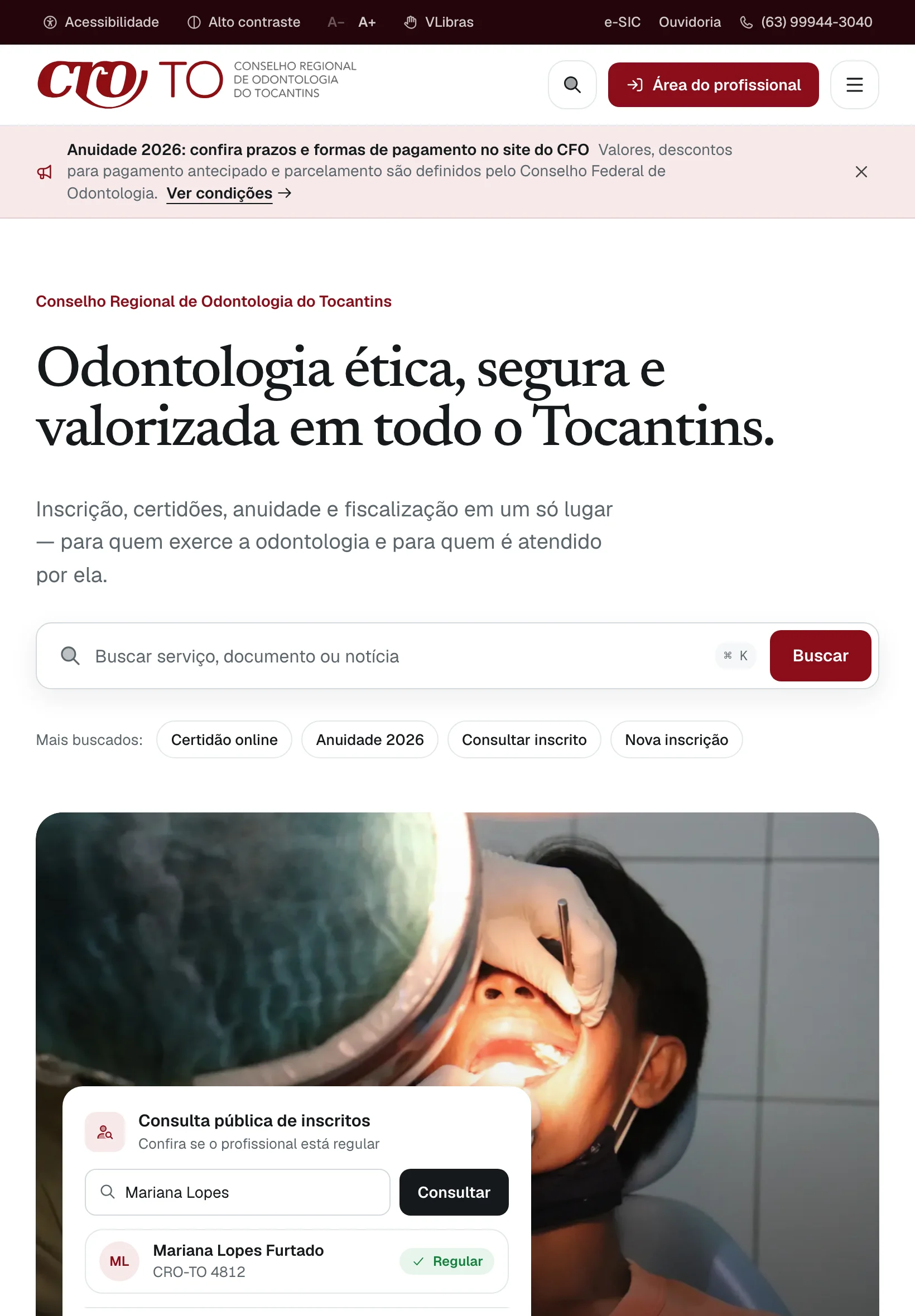
The Conselho Regional de Odontologia do Tocantins registers and inspects dentists in the state of Tocantins, Brazil. I designed and built a new public site, a custom admin CMS and a documented design system for the council, and moved its twelve-year archive into them. Design, front end, back end and migration, by one person directing AI agents.
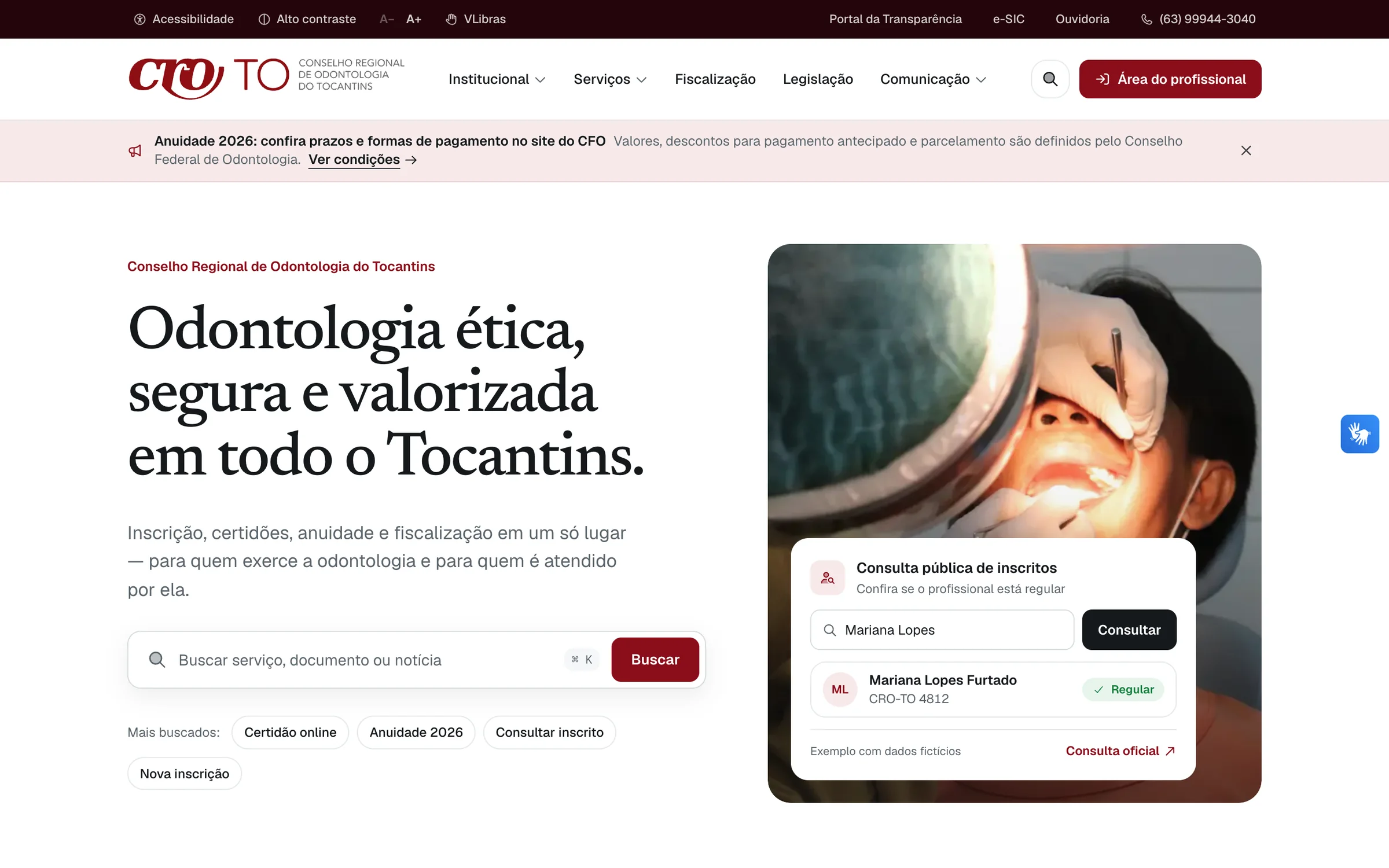
Public site
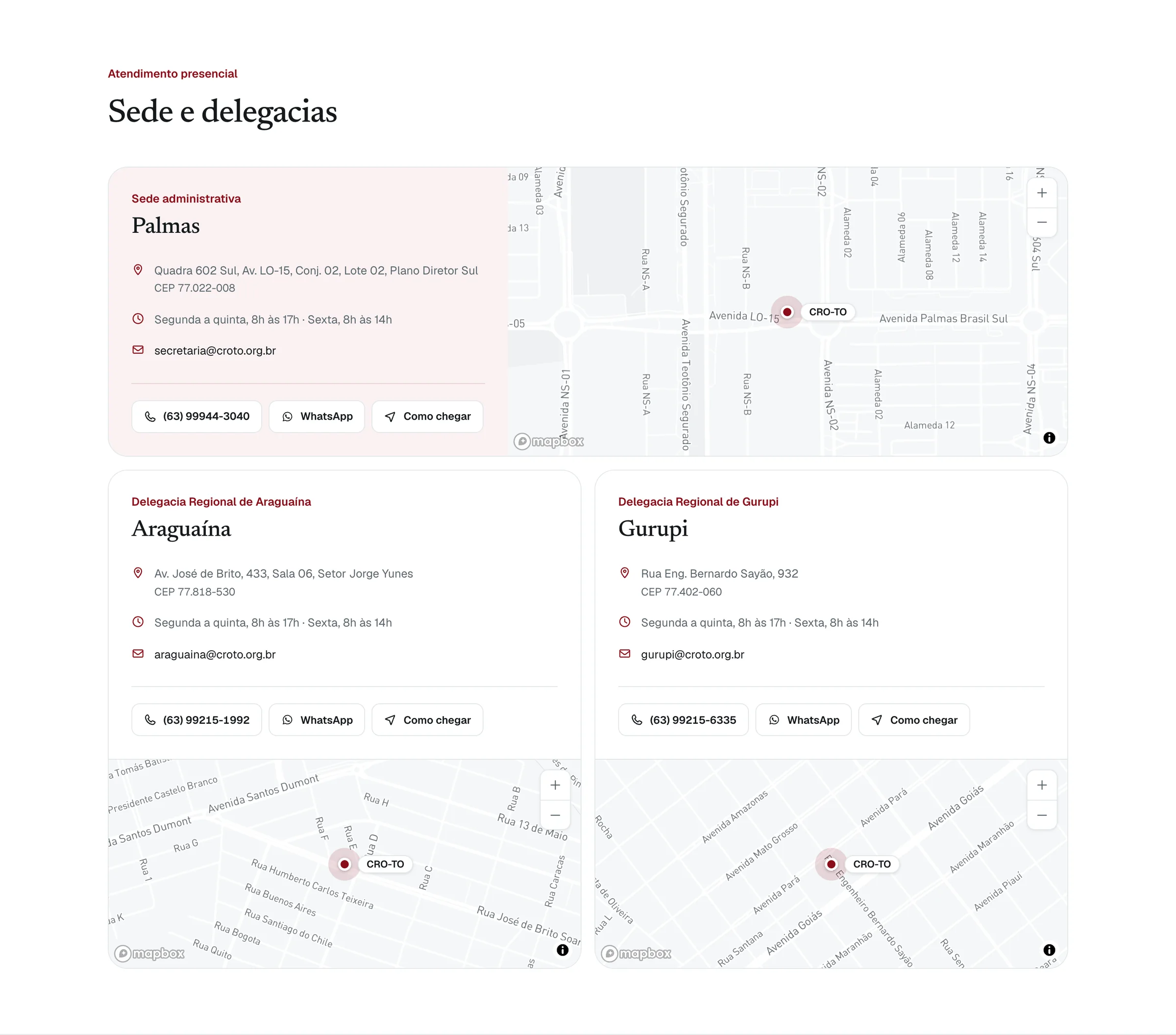
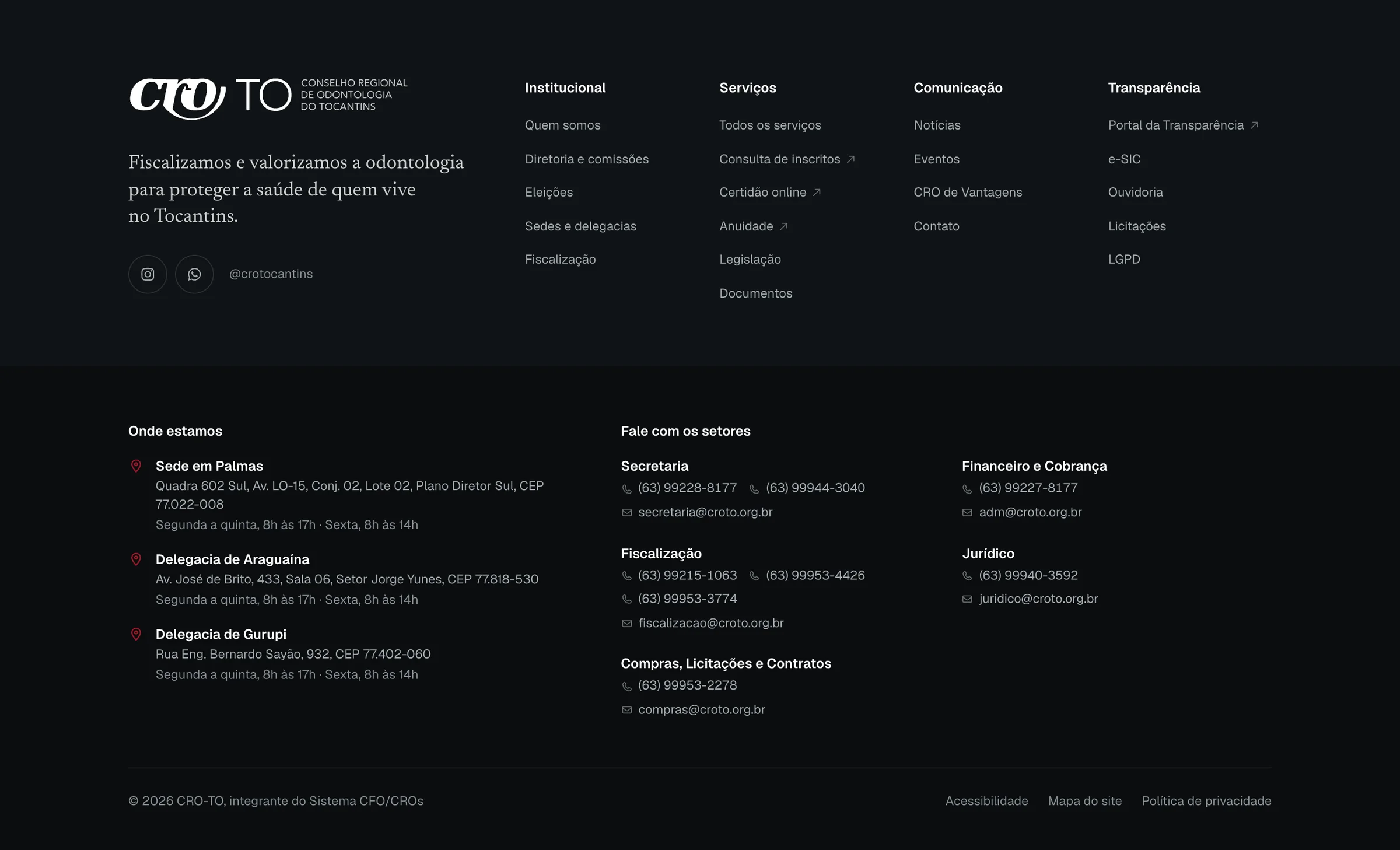
21 pages for dentists and citizens: services, news, legislation, transparency and the ombudsman.
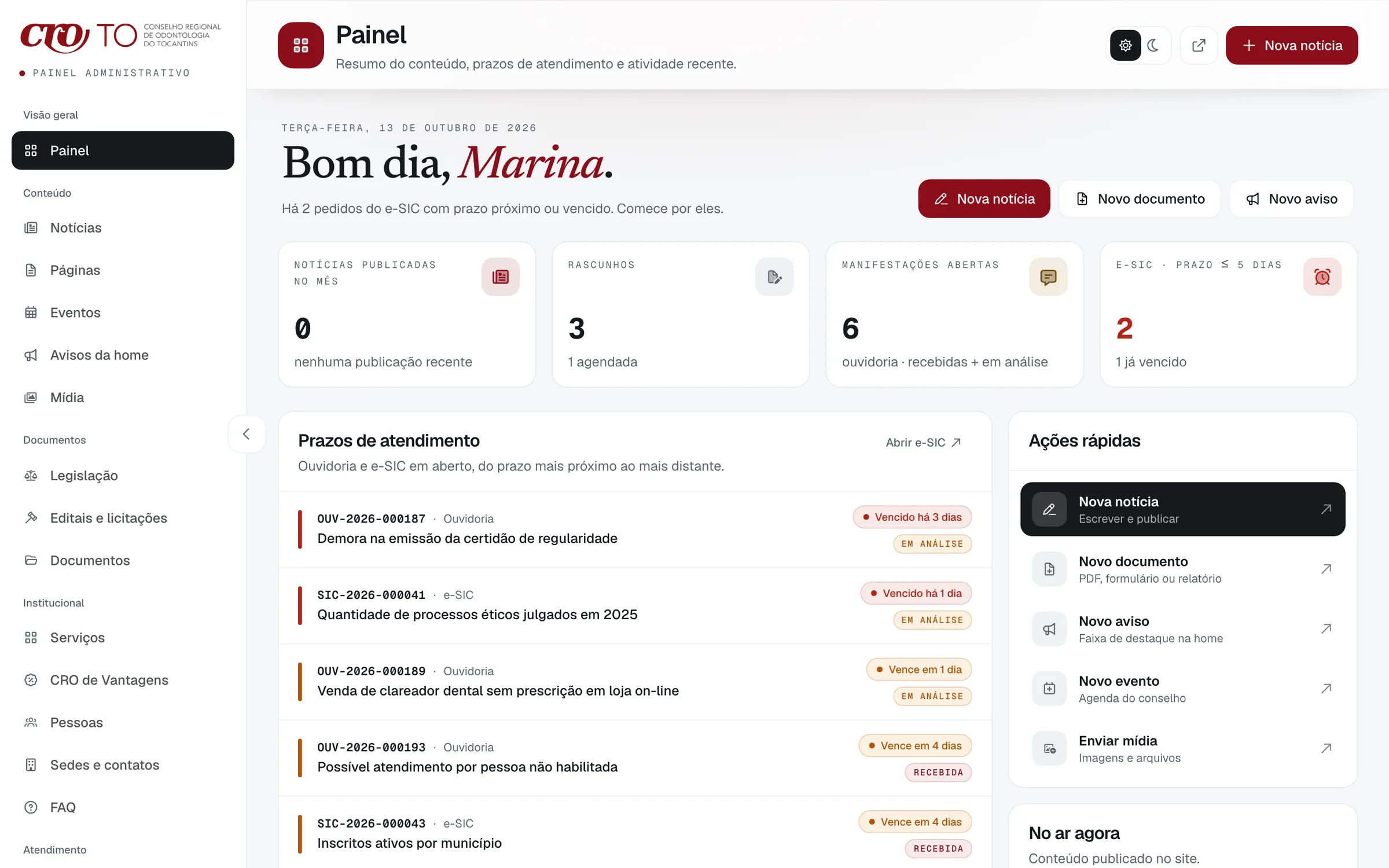
Admin CMS
26 pages for the council’s staff: news, documents, people, offices and the request inbox.
See the adminStaff sign-in only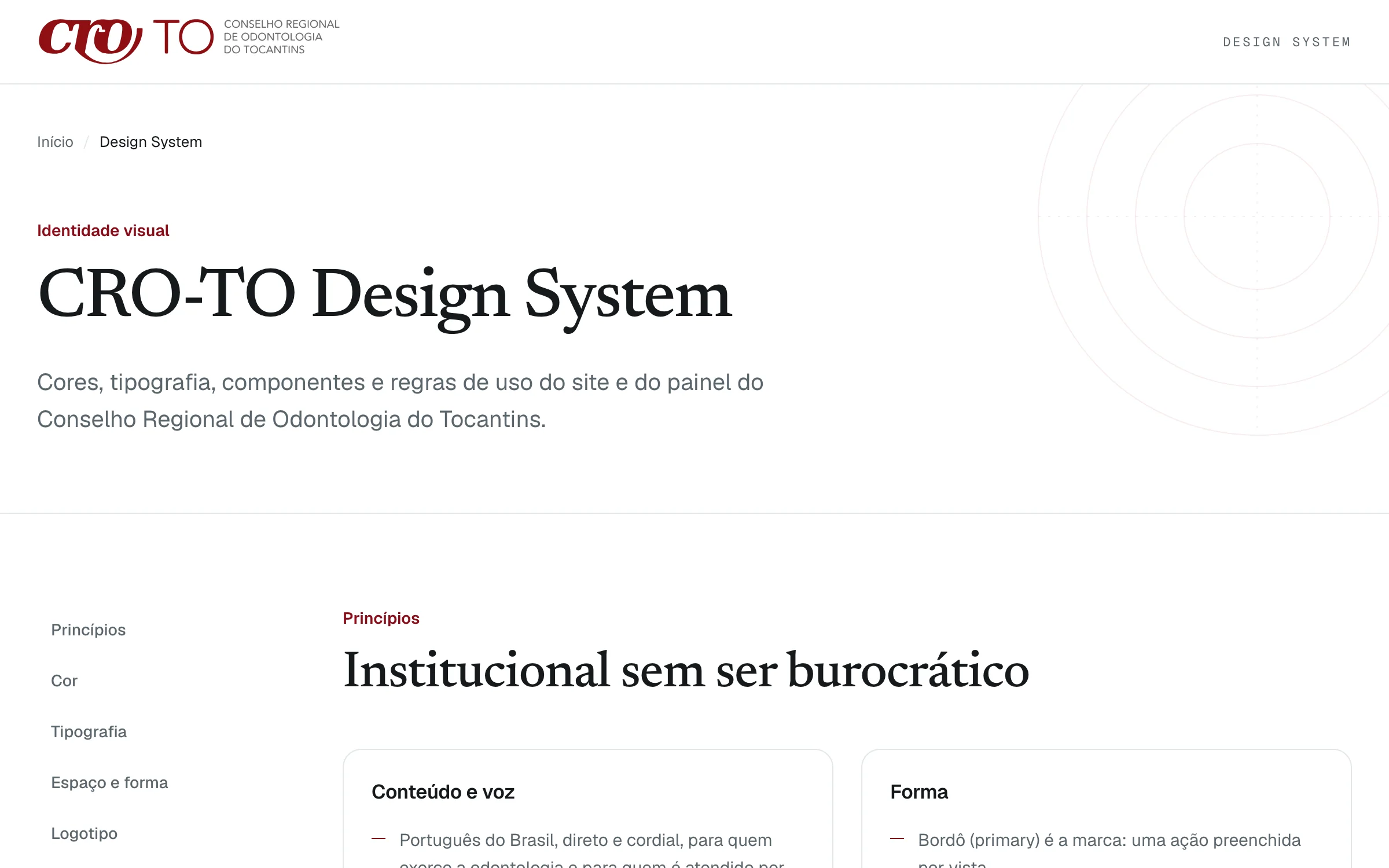
Design system
99 tokens in three themes, 20 type styles and 15 live component specimens, on one page.
The problem
The council’s site serves three groups at once: dentists who need a certificate or the annual fee, citizens who want to check a dentist or file a complaint, and the staff who keep it all up to date. The previous site gave all of them the same wall of tiles and menus.
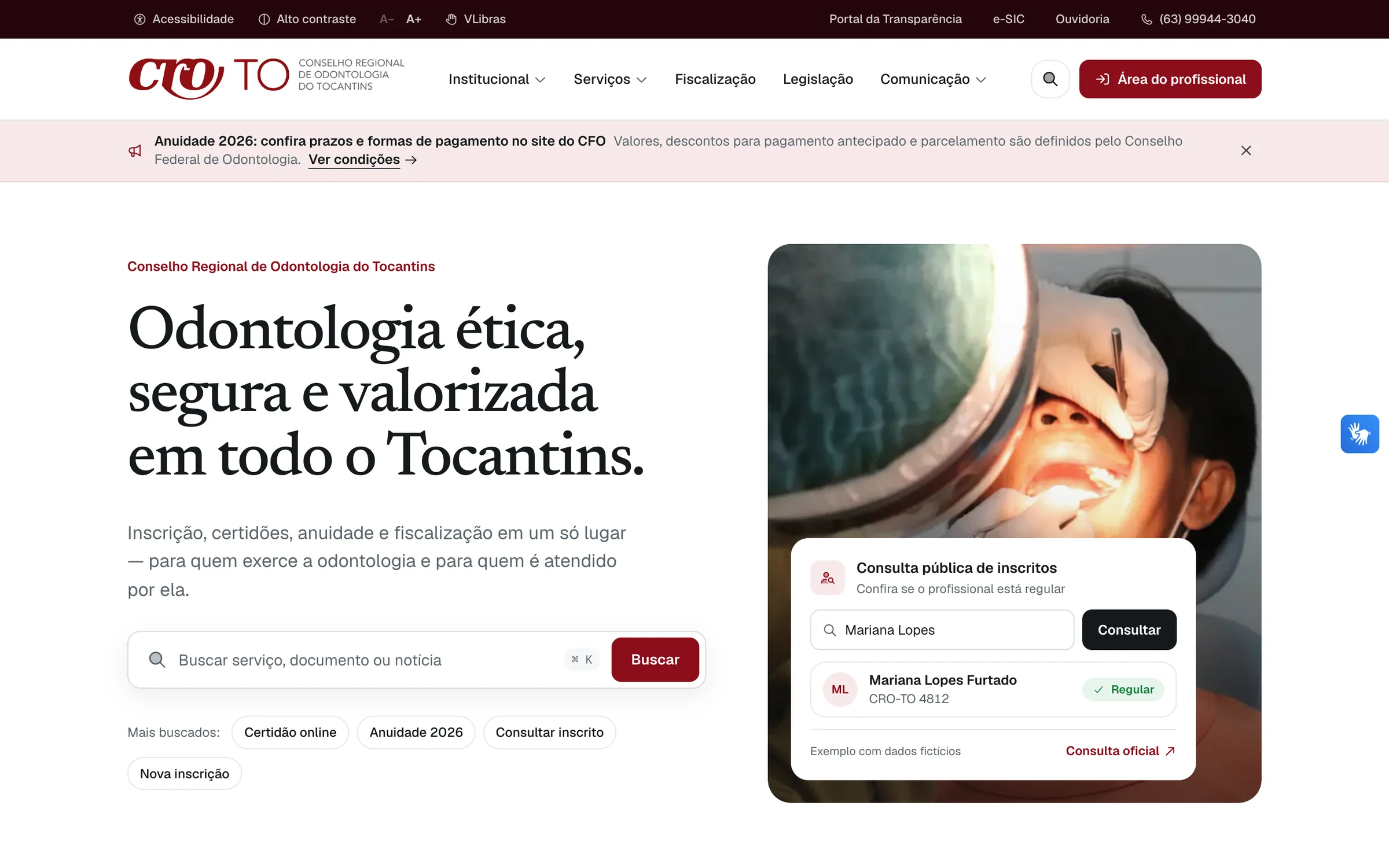
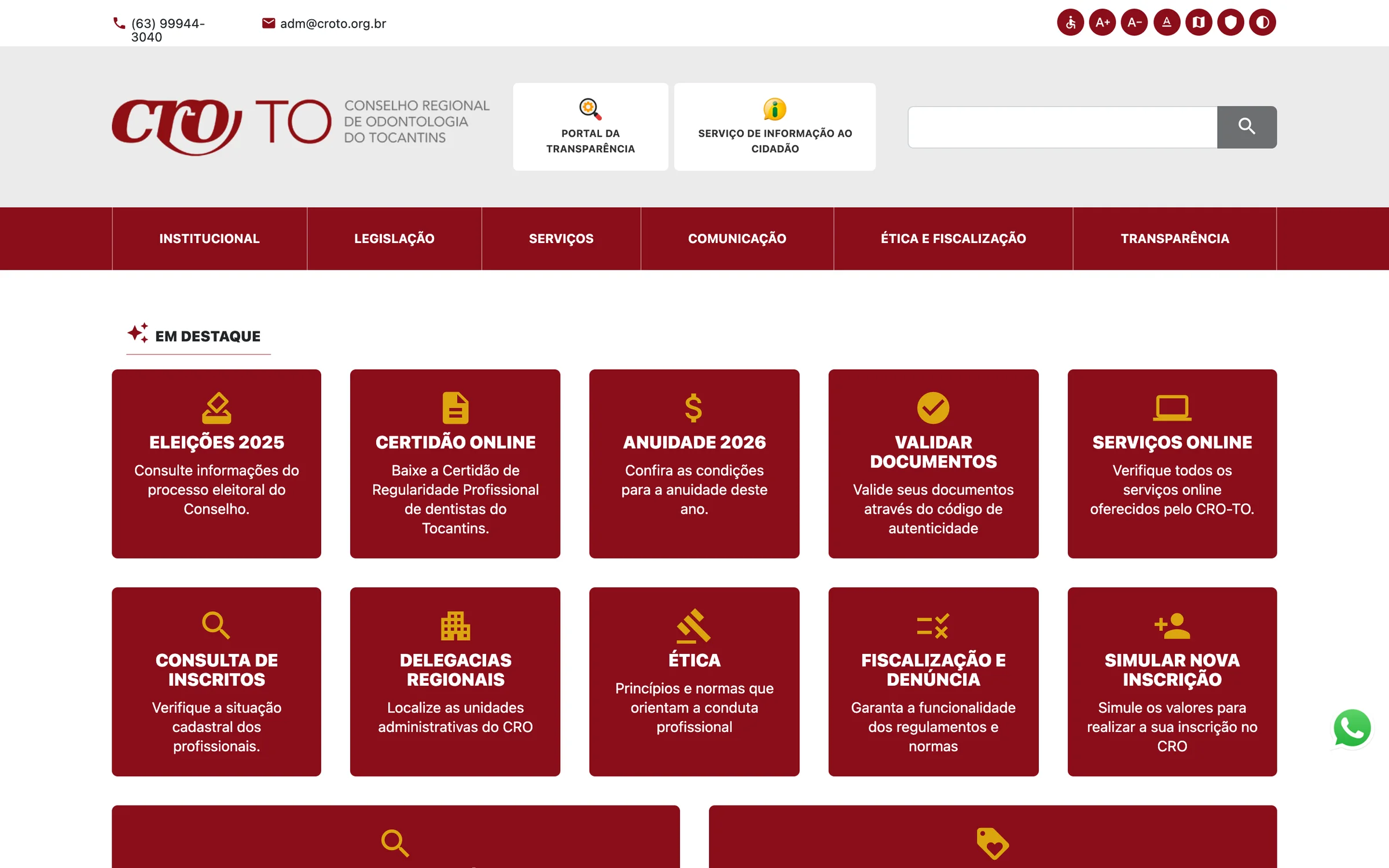
- 01Dentists and citizens share one wall of identical tiles, and each has to dig past the other’s services to find their own.See how it was solved
- 02Complaints and information requests have legal deadlines, 30 days and 20 plus 10, and both the citizen and the staff need to know where each one stands.See how it was solved
- 03The staff need to publish news, legislation and documents, and answer those requests, without calling a developer.See how it was solved
- 04Twelve years of news, norms and files live on the old site, and none of it can be lost in the move.See how it was solved
- 05And for the site itself: a public body has to look trustworthy and work for everyone, including people who need high contrast, larger text or sign language.See how it was solved
How I solved it
One answer per pain. Public pages are the live site; the admin screens come from a local copy with the migrated public archive and invented users and requests.
01
Each audience finds its own services
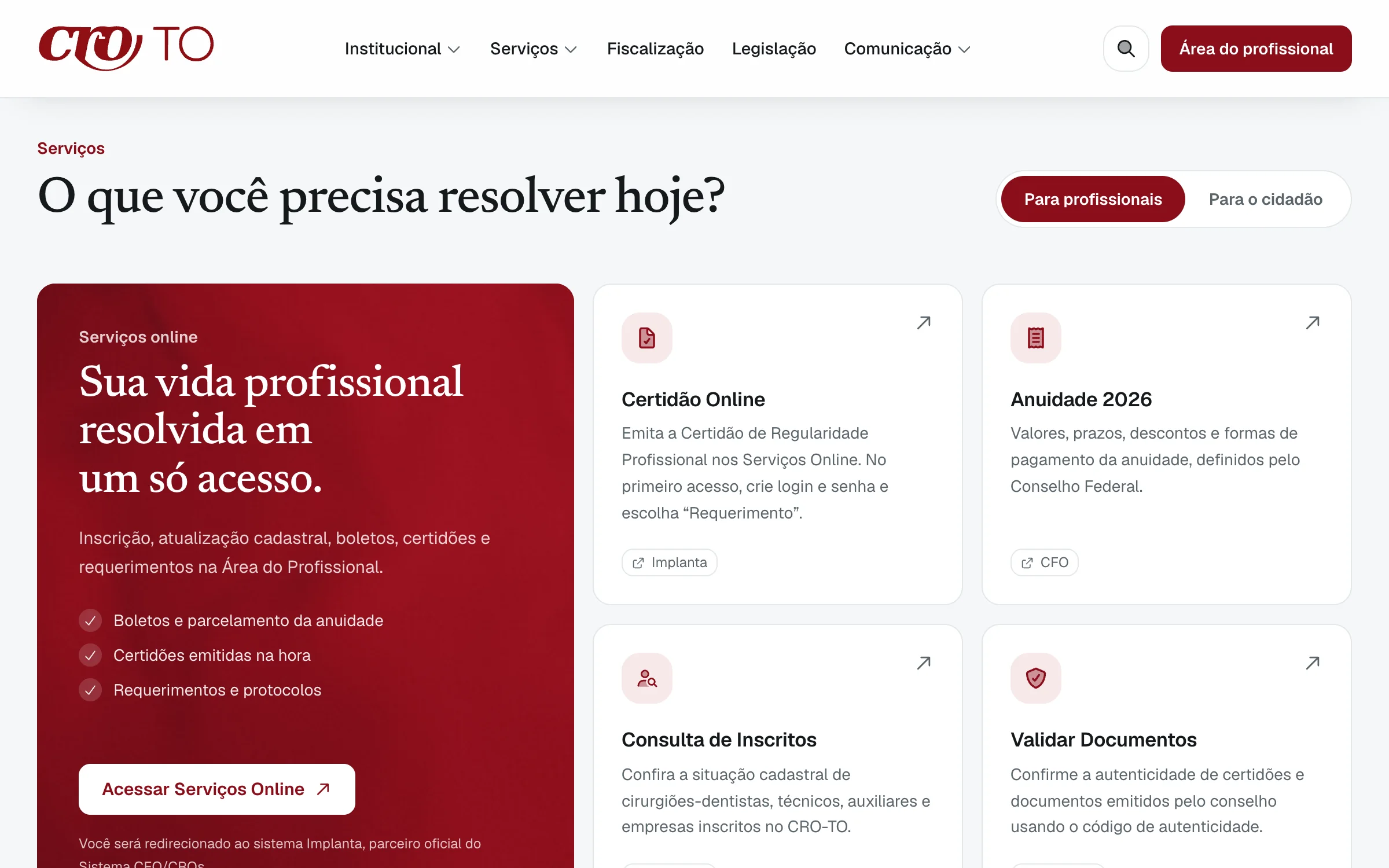
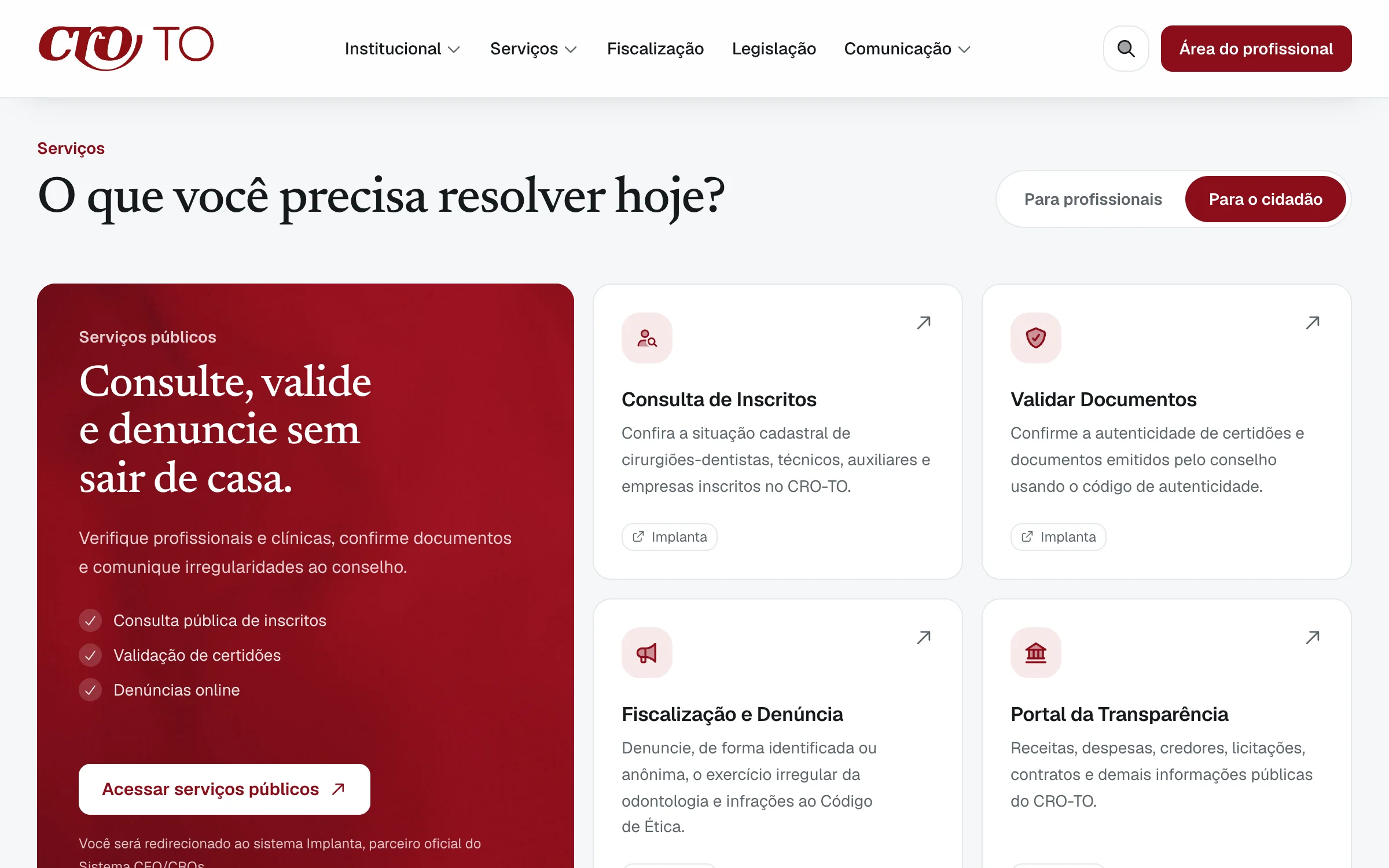
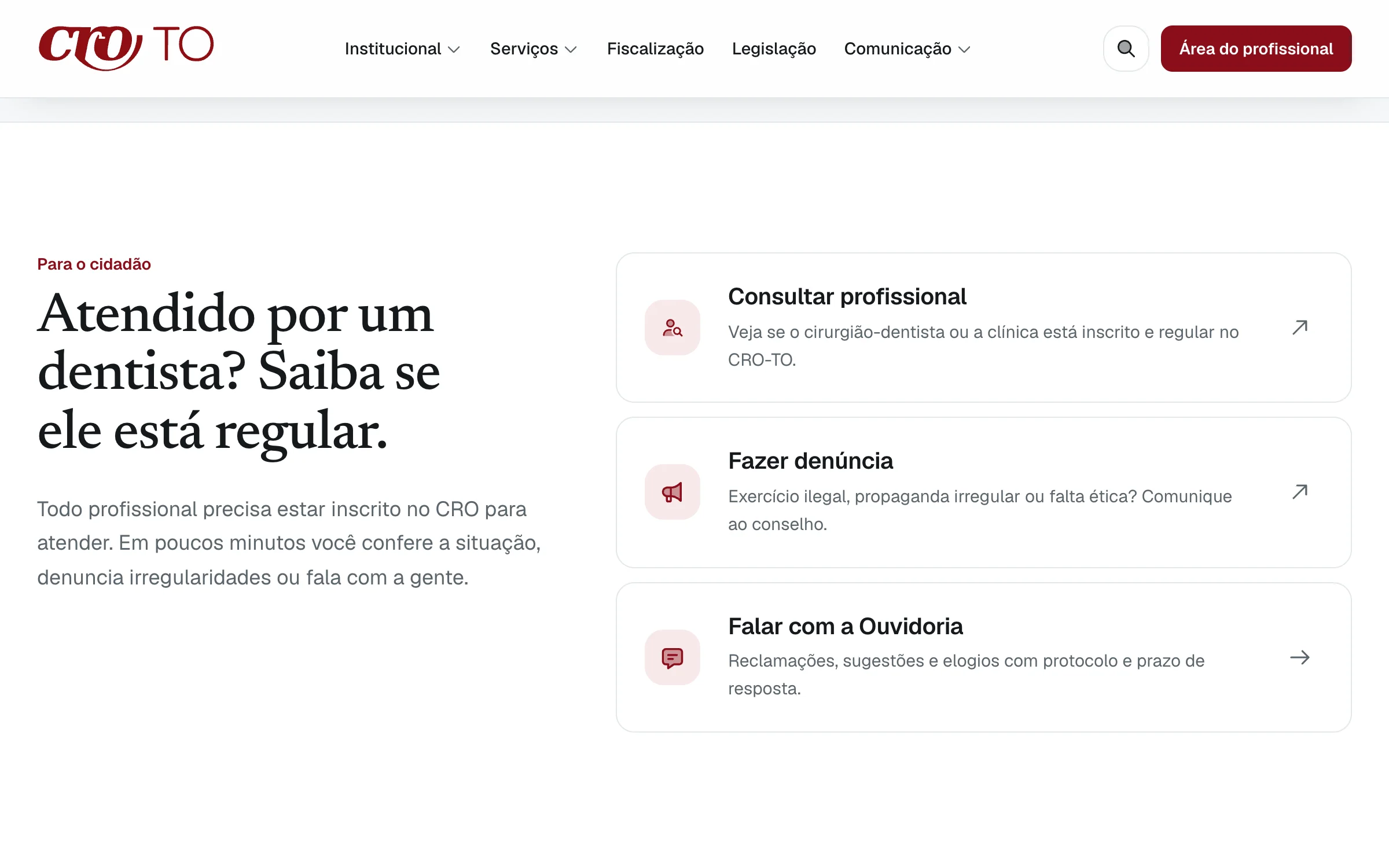
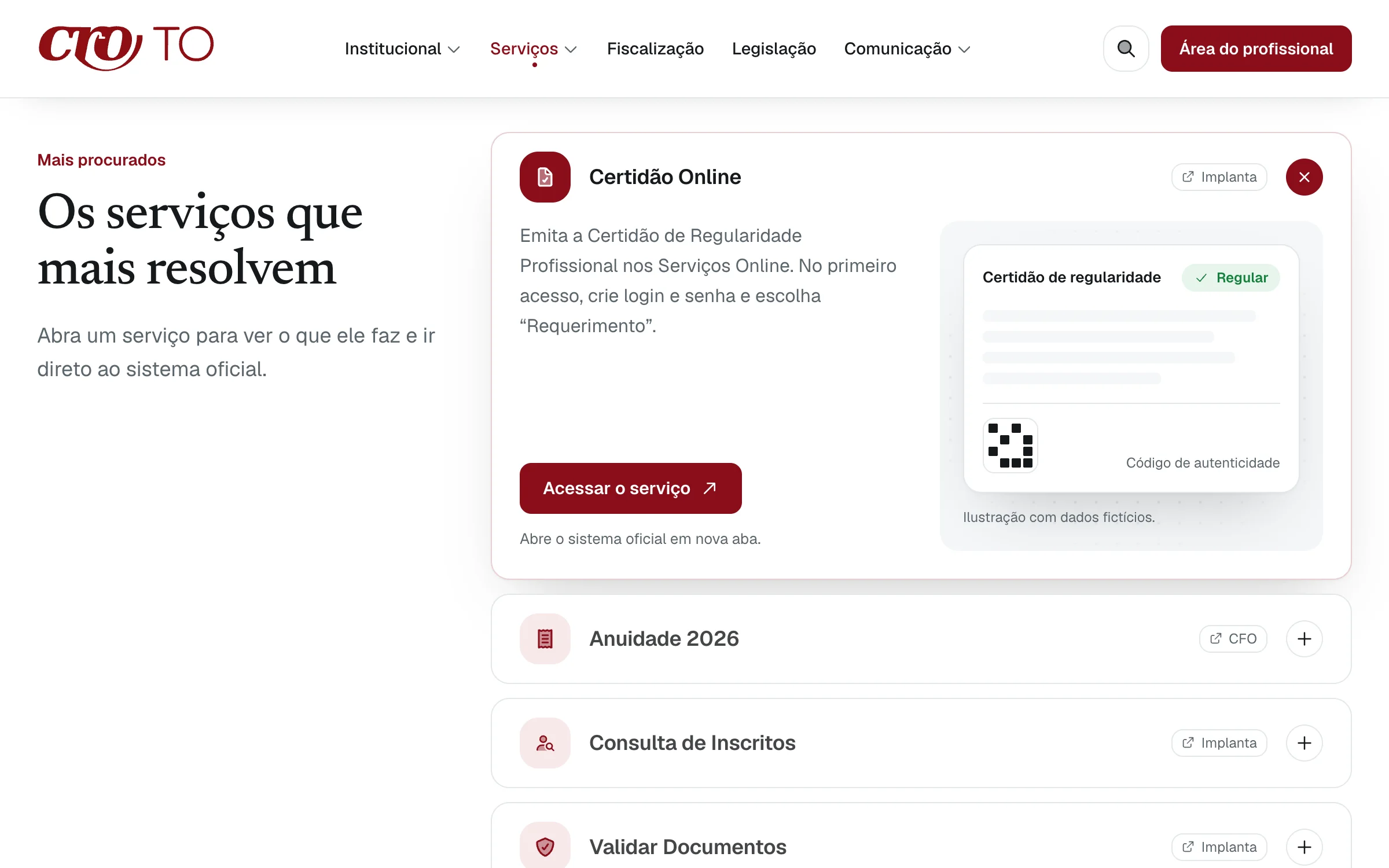
Certificates, the annual fee and online services. Each card that leaves the site names the system it opens, Implanta or CFO.
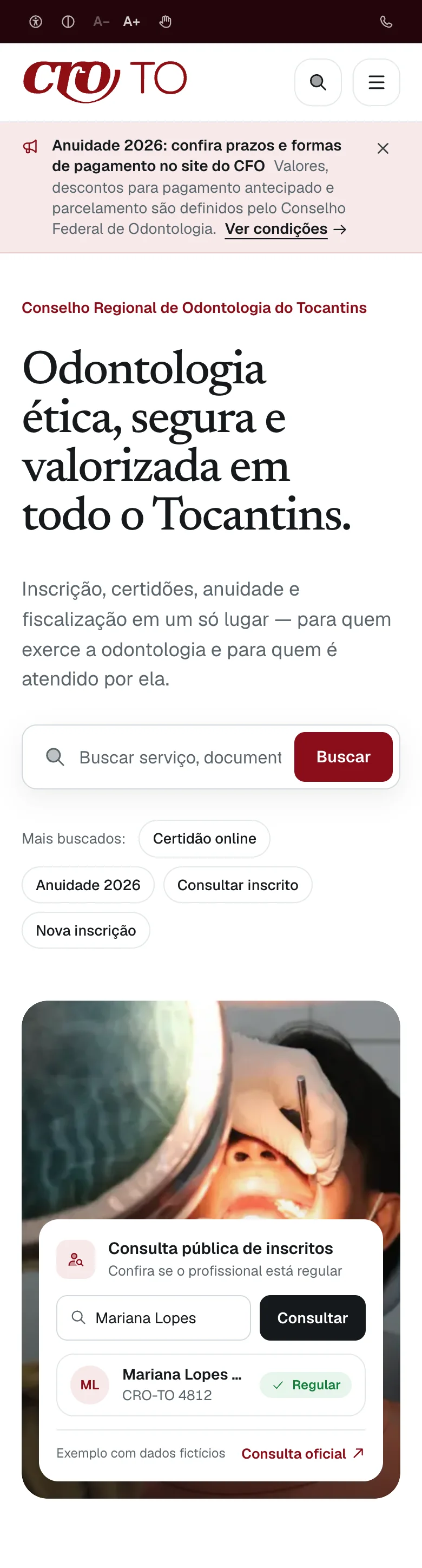
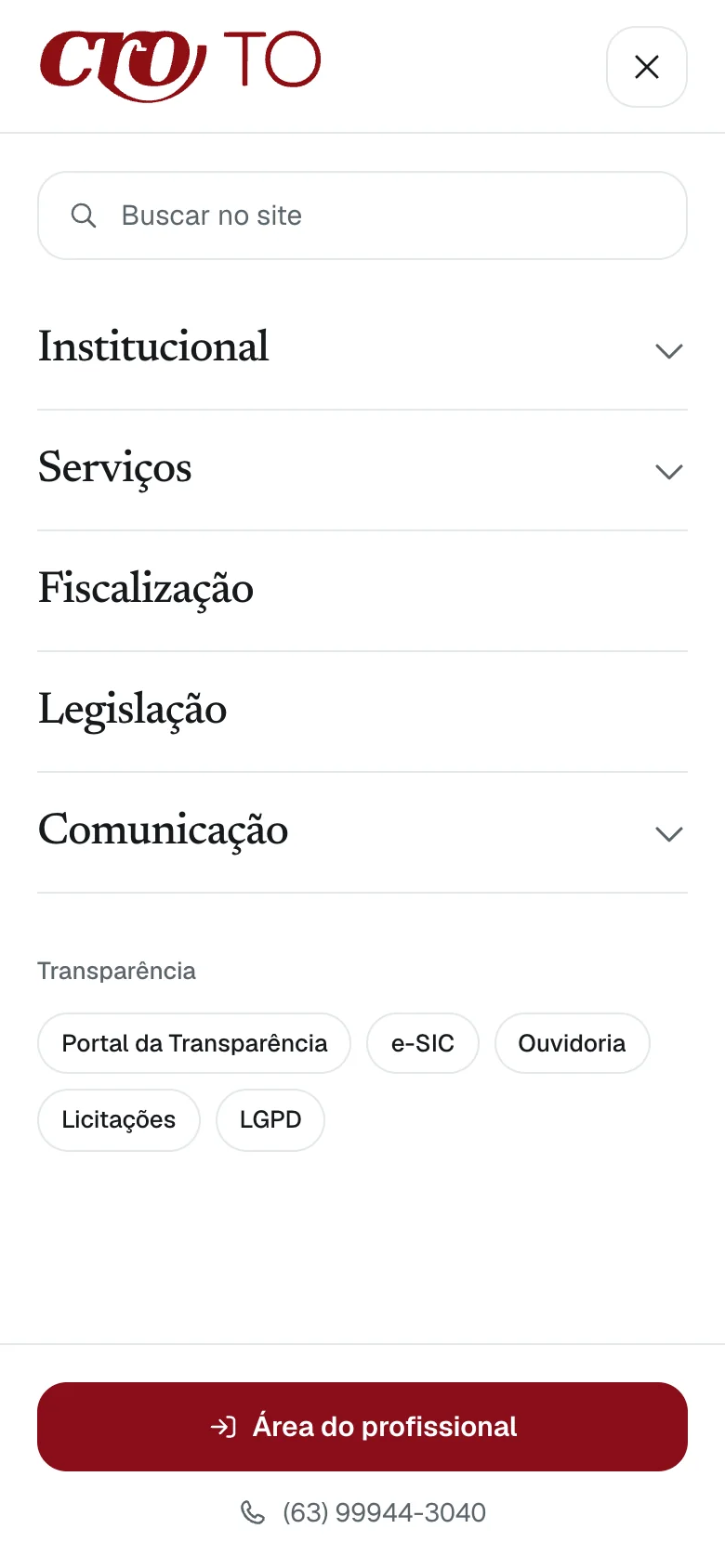
The home on a phone
The accessibility bar, the notice and search come first, then the lookup card. Its record is fictional, and the card says so.
Scroll inside the phone to see the whole page.
02
Every request gets a protocol and a deadline
Day 33: Past the deadline: red, and first in line on the dashboard.
An explainer rebuilt from the inbox’s own chips and its fictional request. The real screens follow.
The same requests in the real screens
- cro-to.vercel.app/ouvidoria
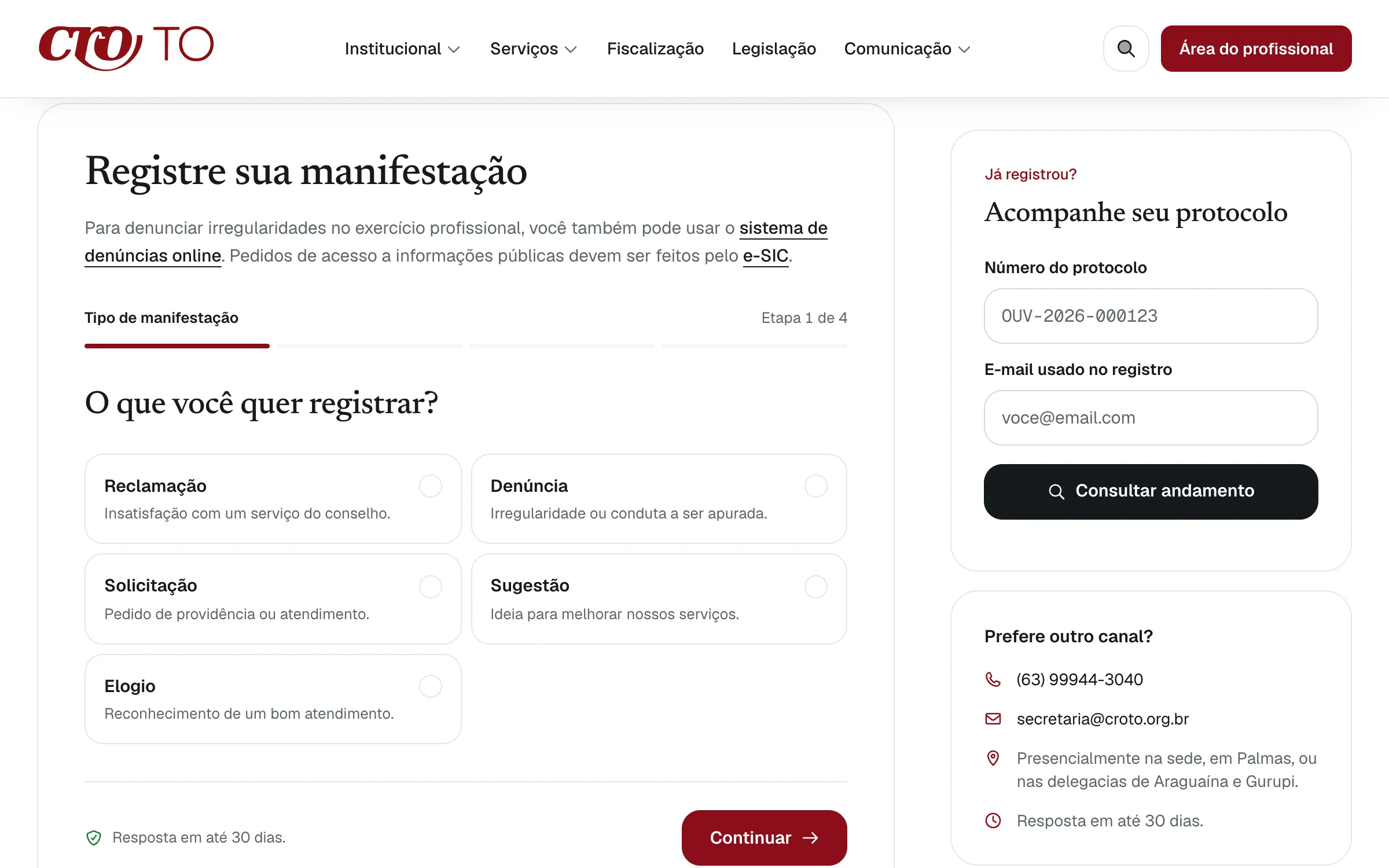
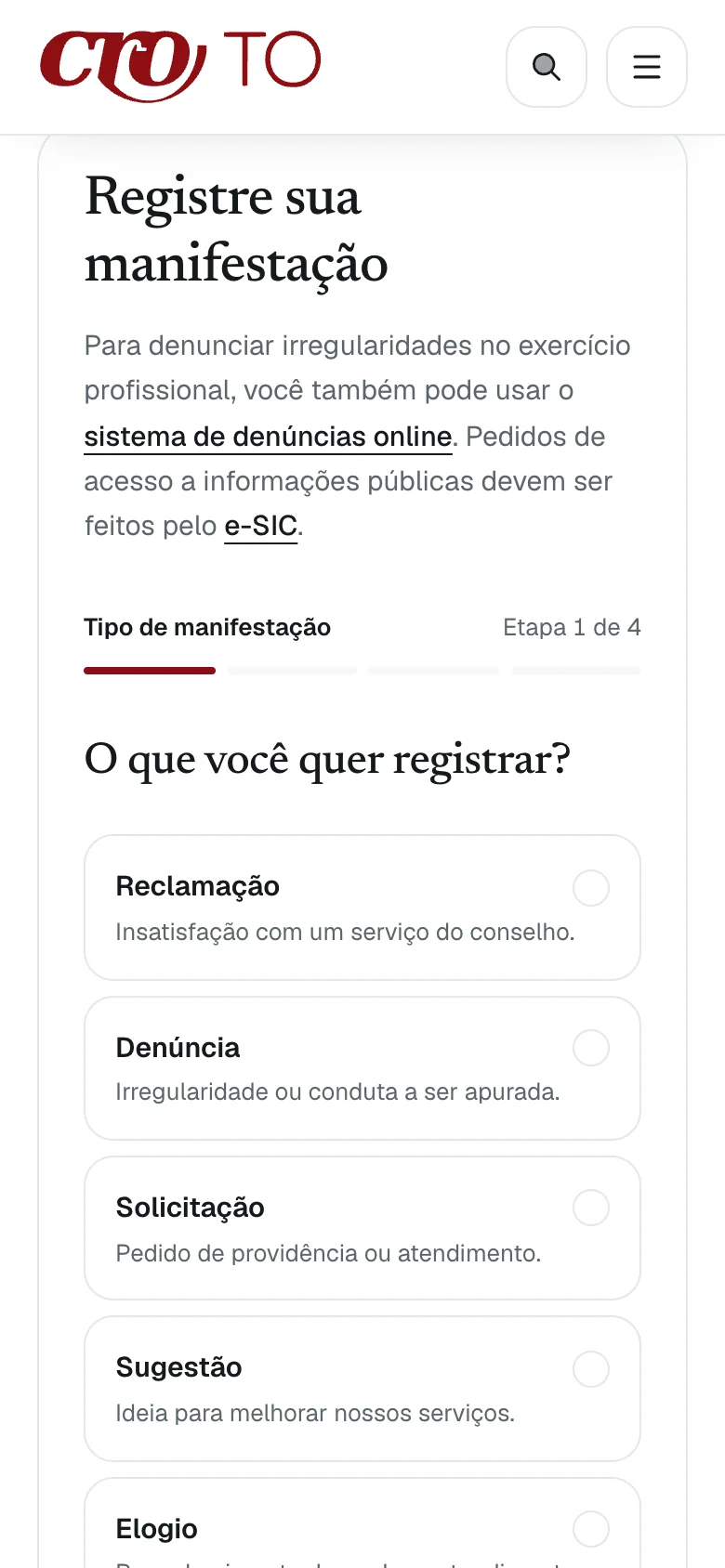
One question at a time
The public form starts with what kind of request it is, in four steps, and promises an answer within 30 days. A protocol lookup sits beside it.
- cro-to.vercel.app/admin/ouvidoria
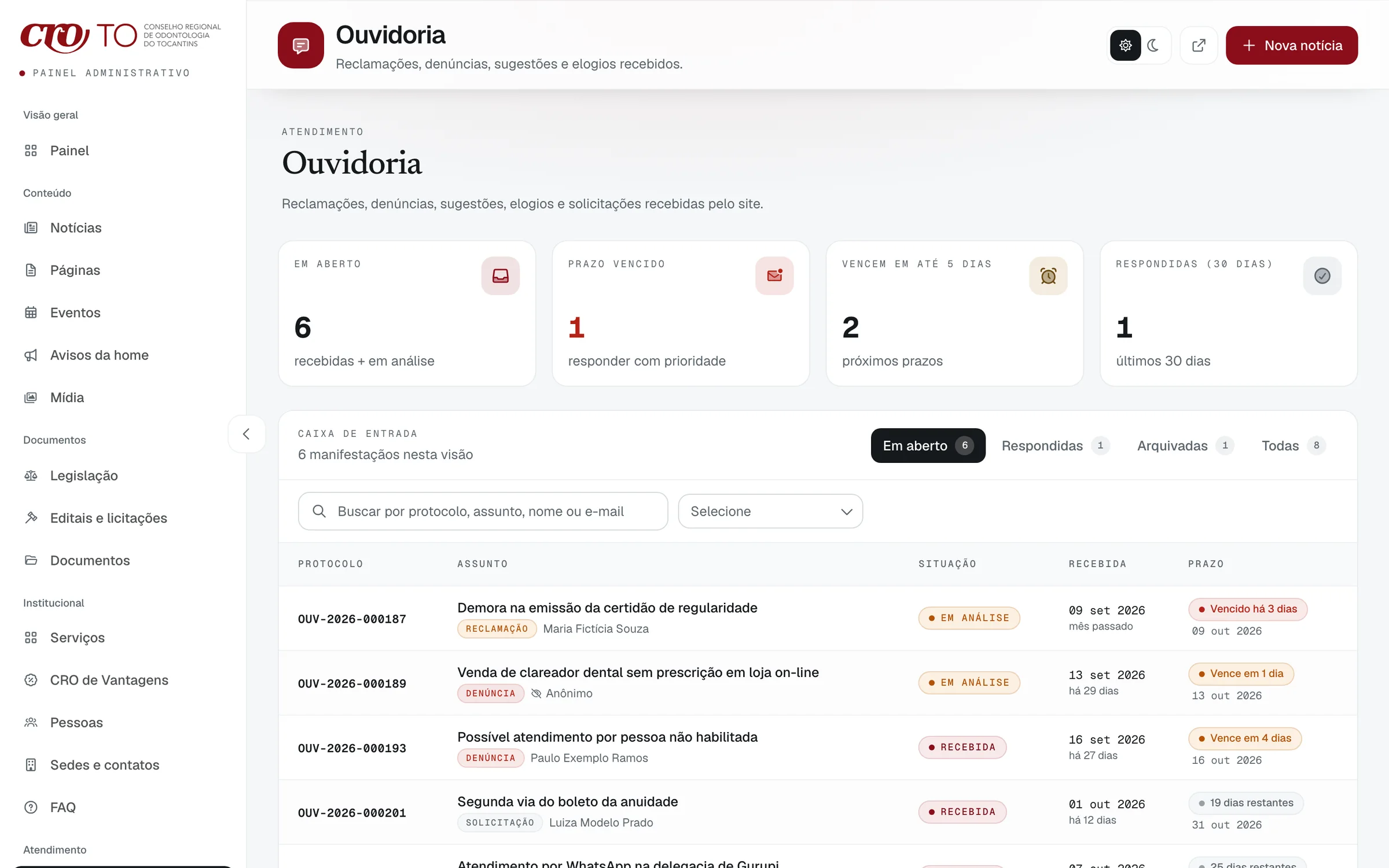
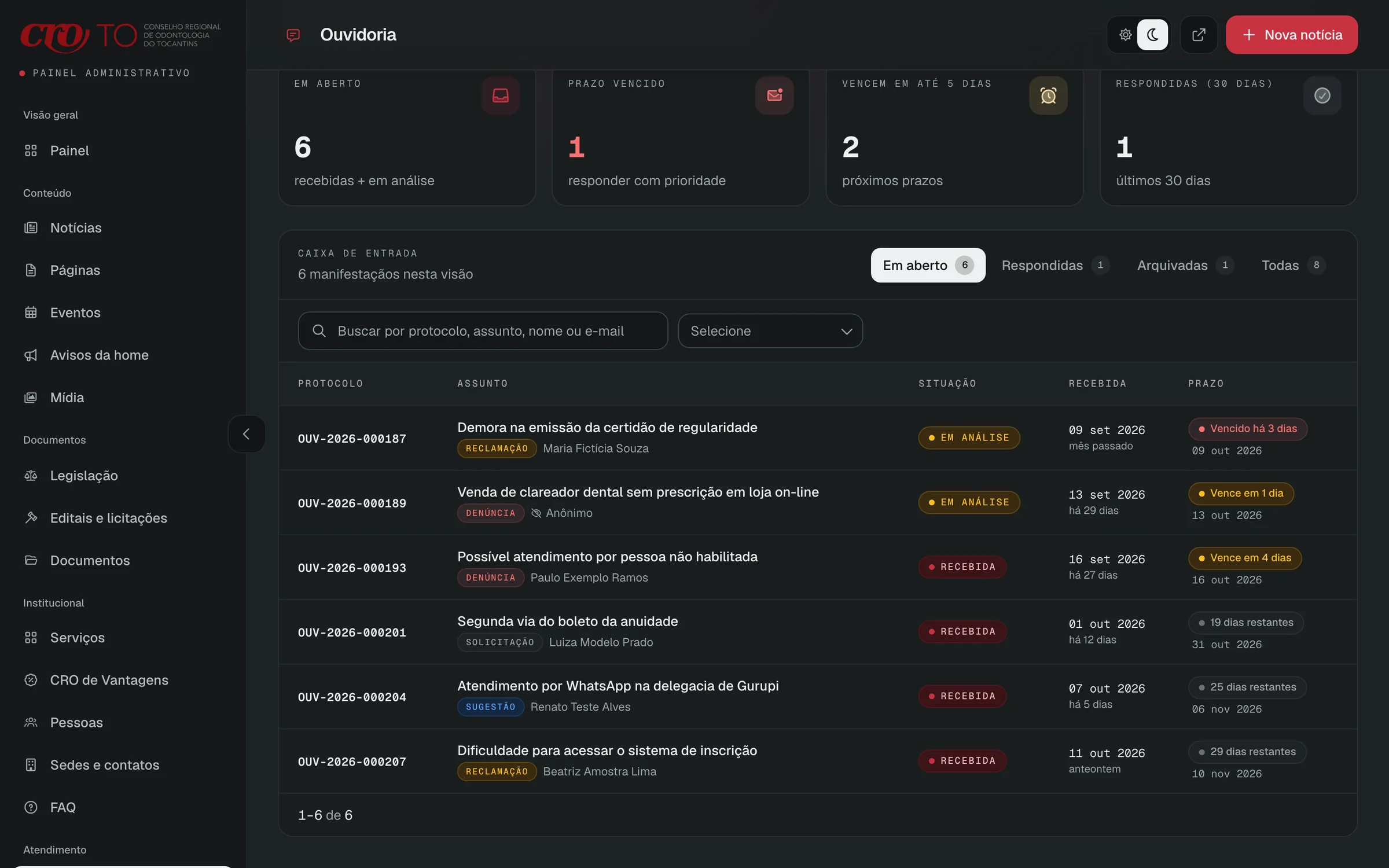
Every request, by deadline
The staff inbox shows each protocol with its status and a deadline chip: overdue in red, five days or less in amber, the rest neutral.
- cro-to.vercel.app/admin/ouvidoria
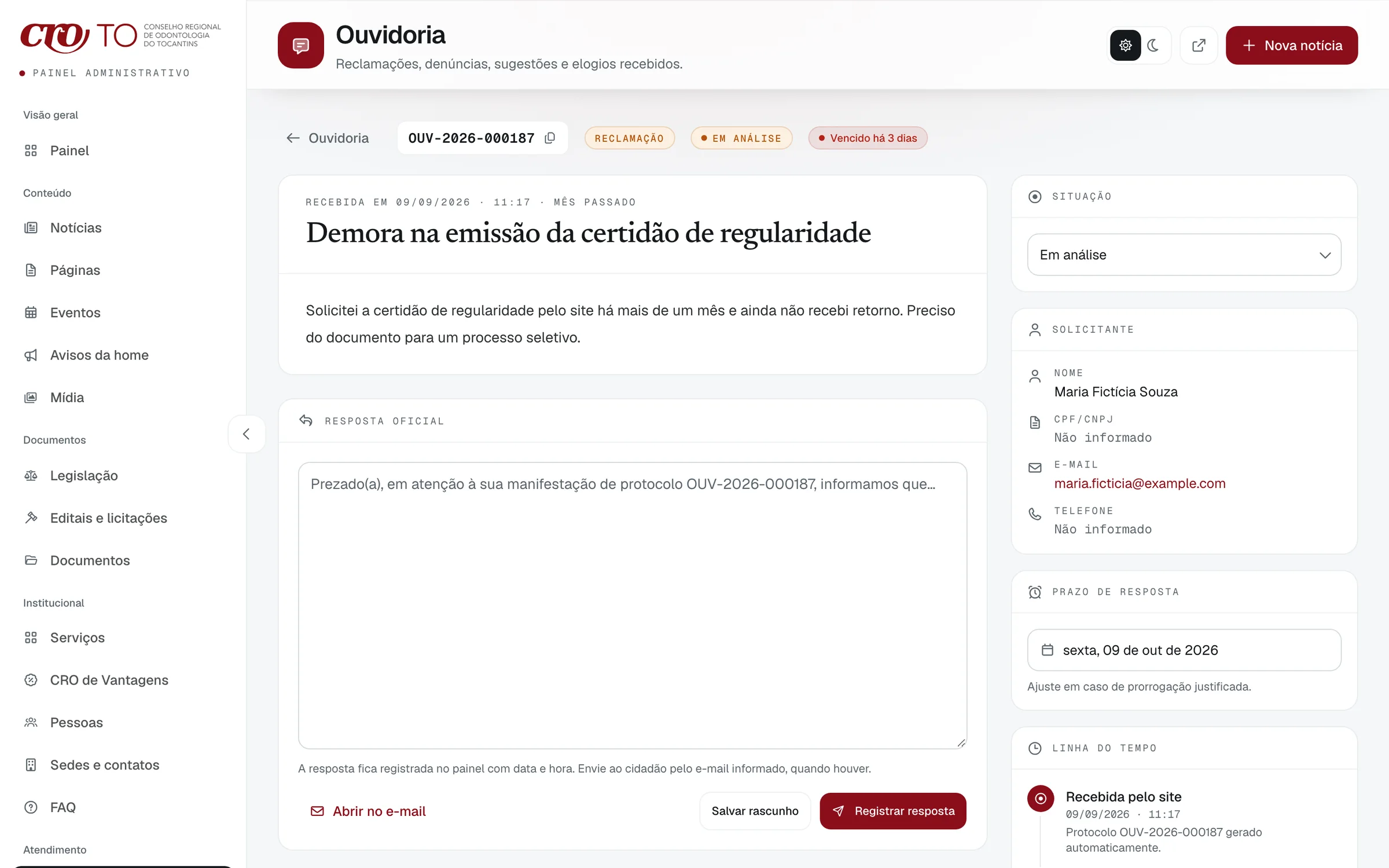
The deadline stays in view
A request opens with the requester, the official reply, a timeline and the due date, adjustable only for a justified extension.
- cro-to.vercel.app/admin/esic
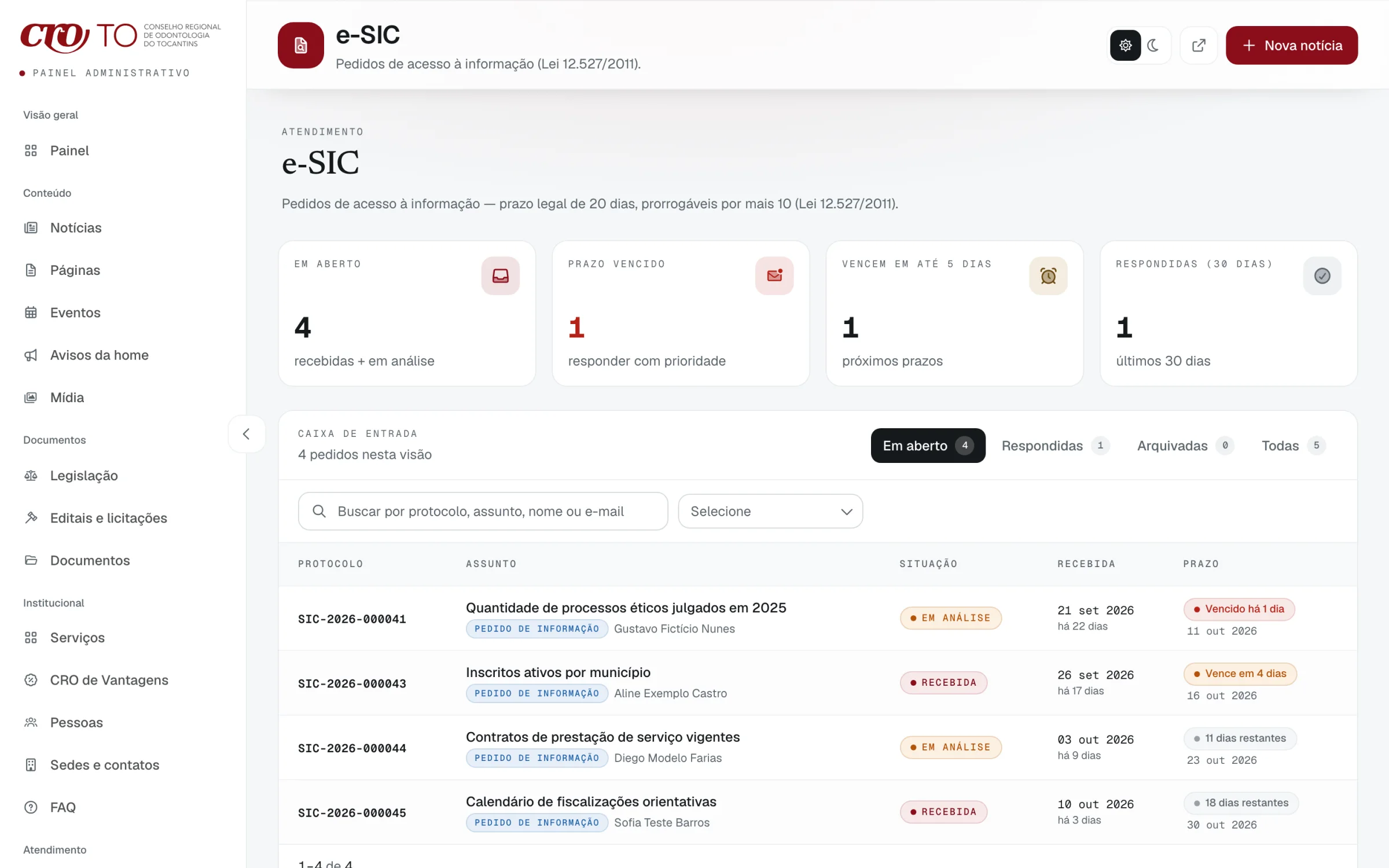
Information requests, on their own clock
e-SIC requests follow the access-to-information law, 20 days extendable by 10, with the same chips.
- 01 / 04
One question at a time
The public form starts with what kind of request it is, in four steps, and promises an answer within 30 days. A protocol lookup sits beside it.
- 02 / 04
Every request, by deadline
The staff inbox shows each protocol with its status and a deadline chip: overdue in red, five days or less in amber, the rest neutral.
- 03 / 04
The deadline stays in view
A request opens with the requester, the official reply, a timeline and the due date, adjustable only for a justified extension.
- 04 / 04
Information requests, on their own clock
e-SIC requests follow the access-to-information law, 20 days extendable by 10, with the same chips.
03
The staff publish on their own
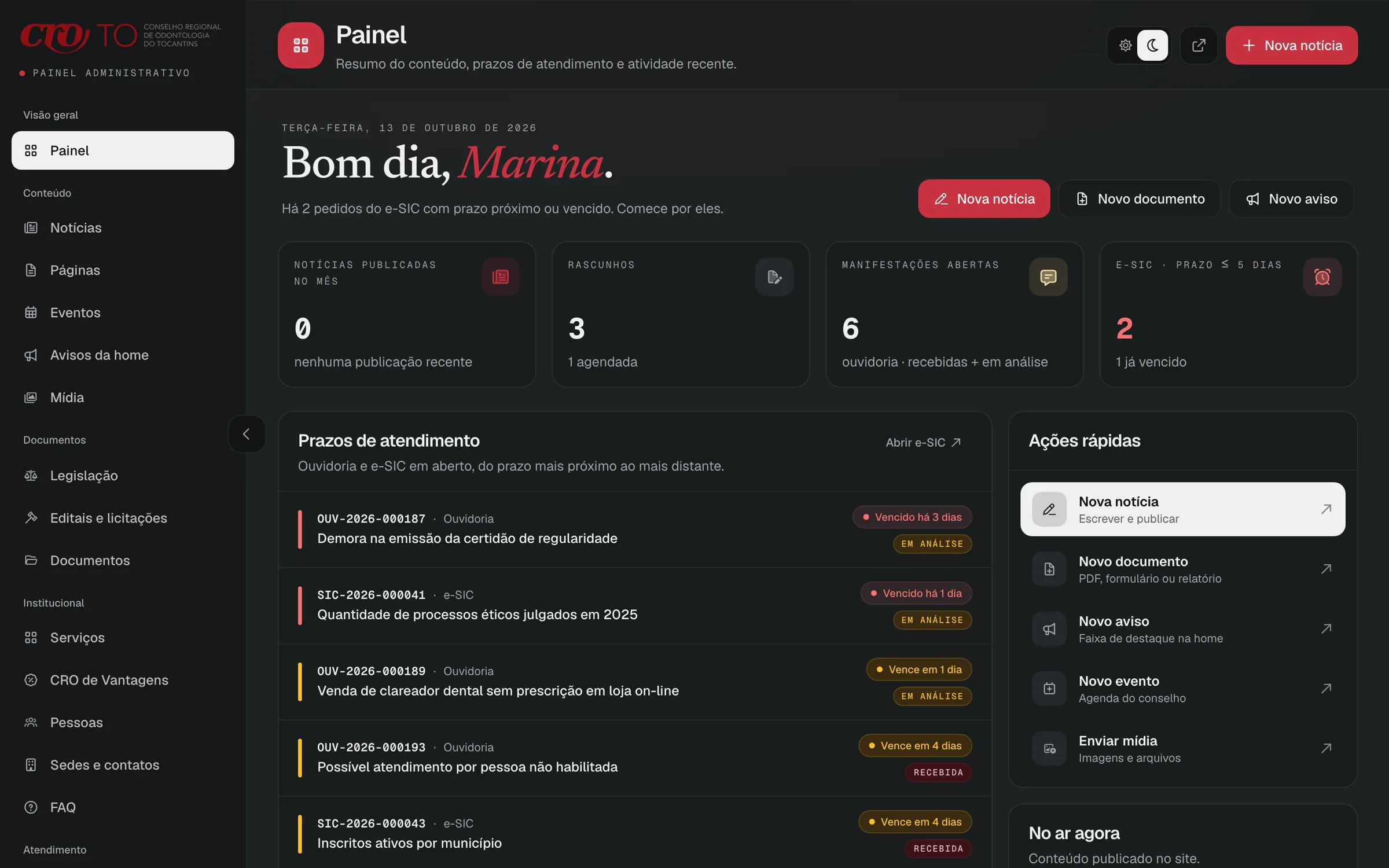
Dashboard, light. It opens on deadlines, nearest first, with quick actions for news, documents and home notices.
- cro-to.vercel.app/admin/noticias
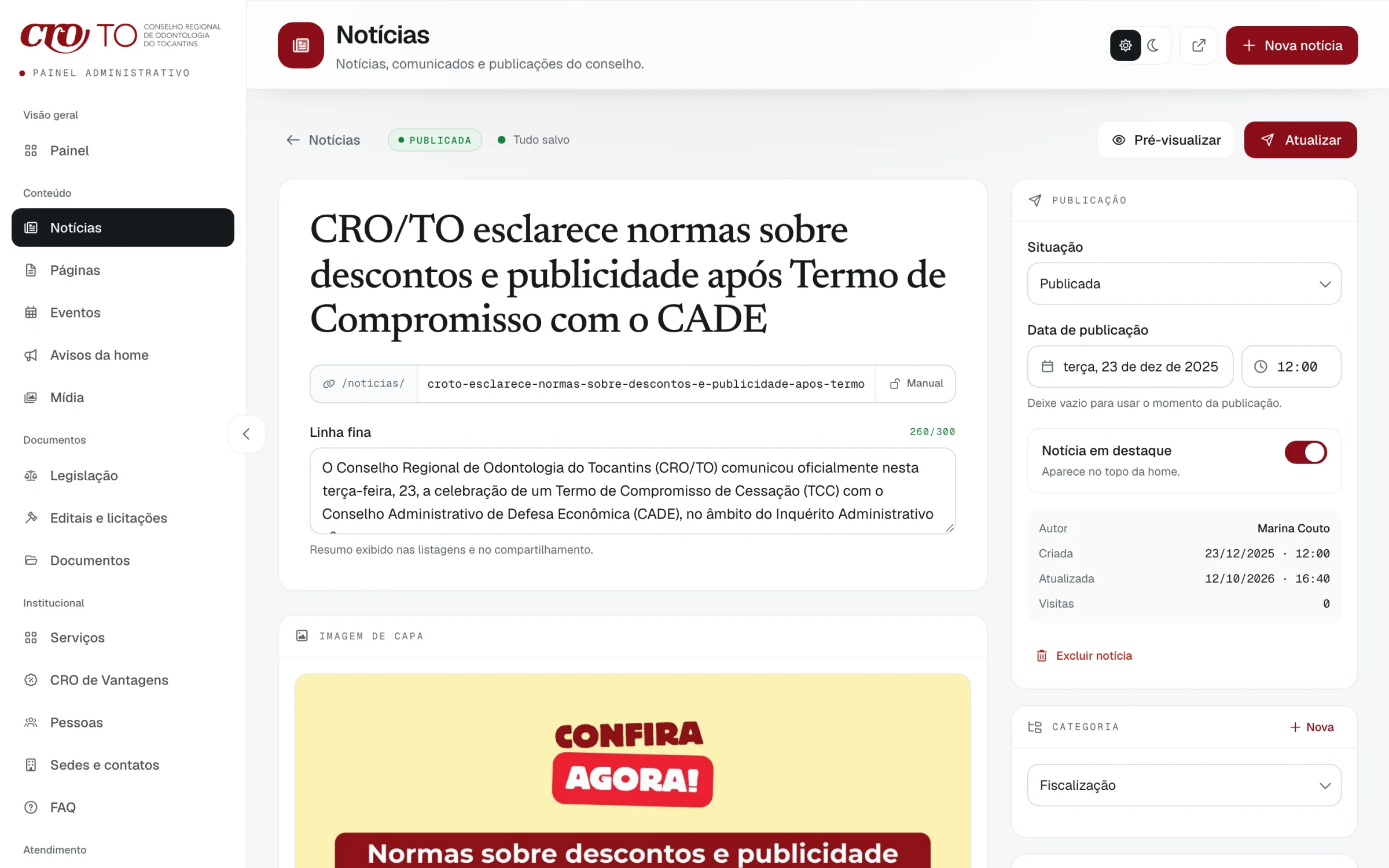
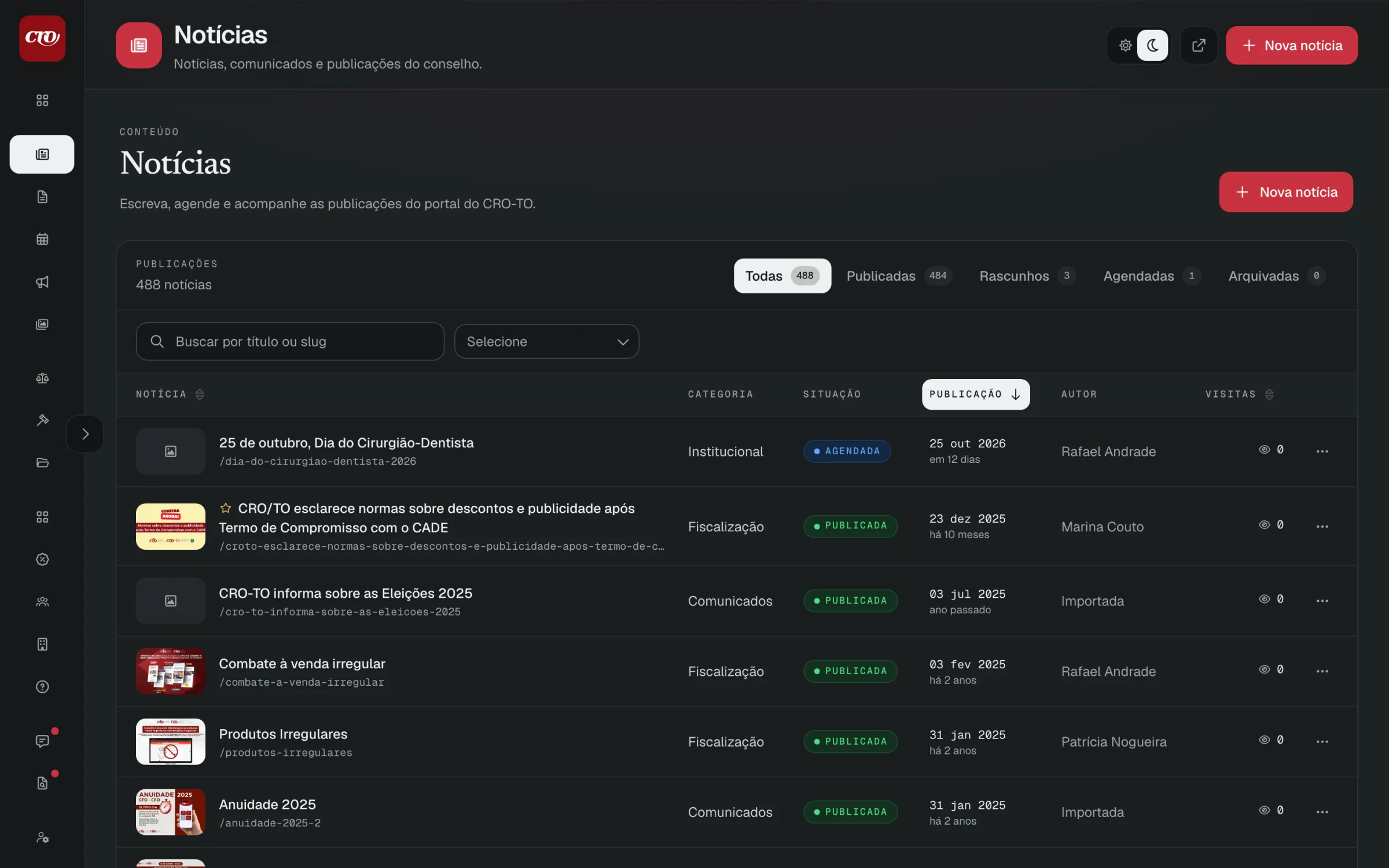
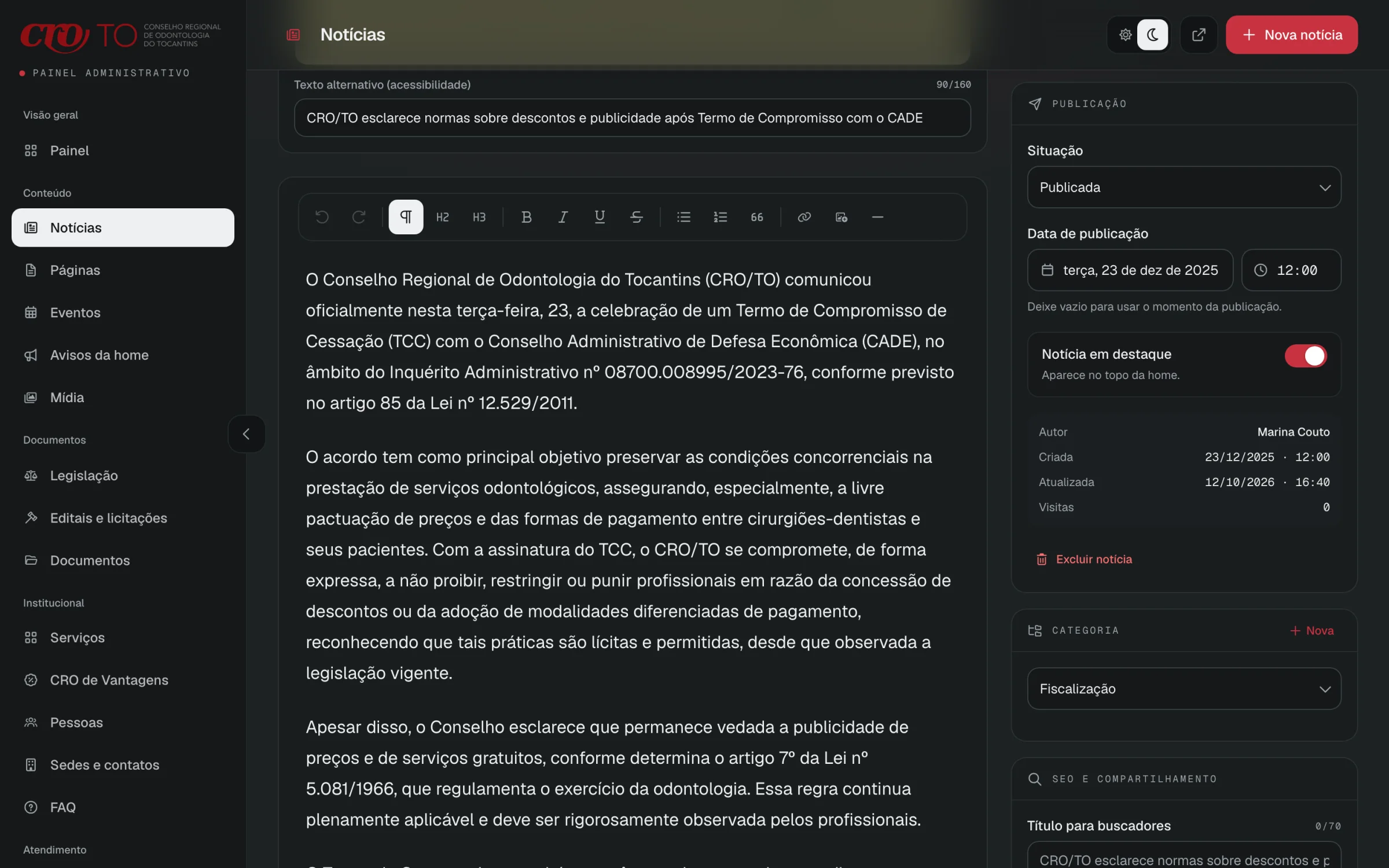
Write
Title, a summary with a character counter, the address and a cover from the media library, with status, date and category beside them.
- cro-to.vercel.app/admin/noticias
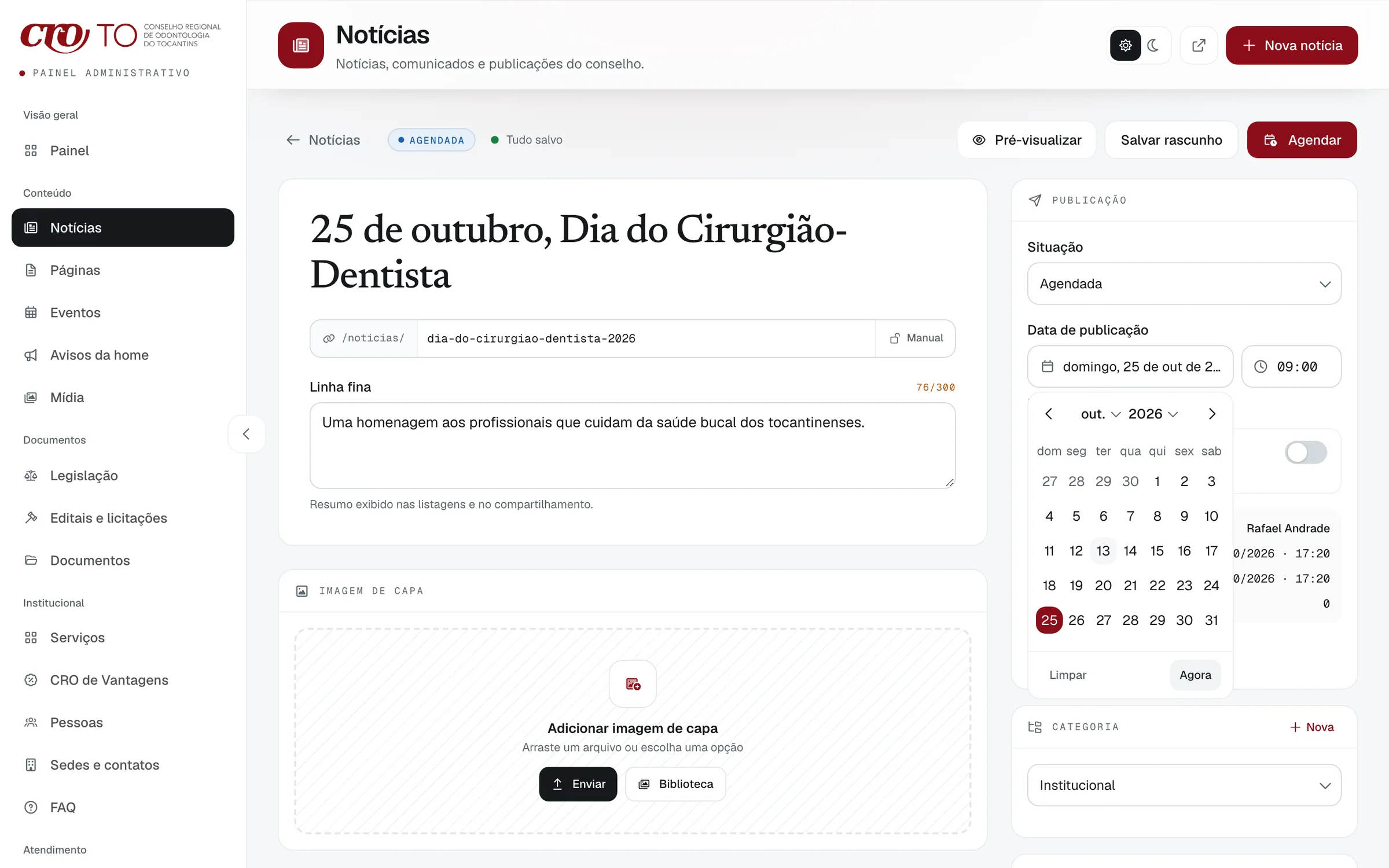
Schedule
A post can stay a draft, go out now or wait for a date and time. This one is set for 25 October, the dentists’ day.
- cro-to.vercel.app/admin/midia
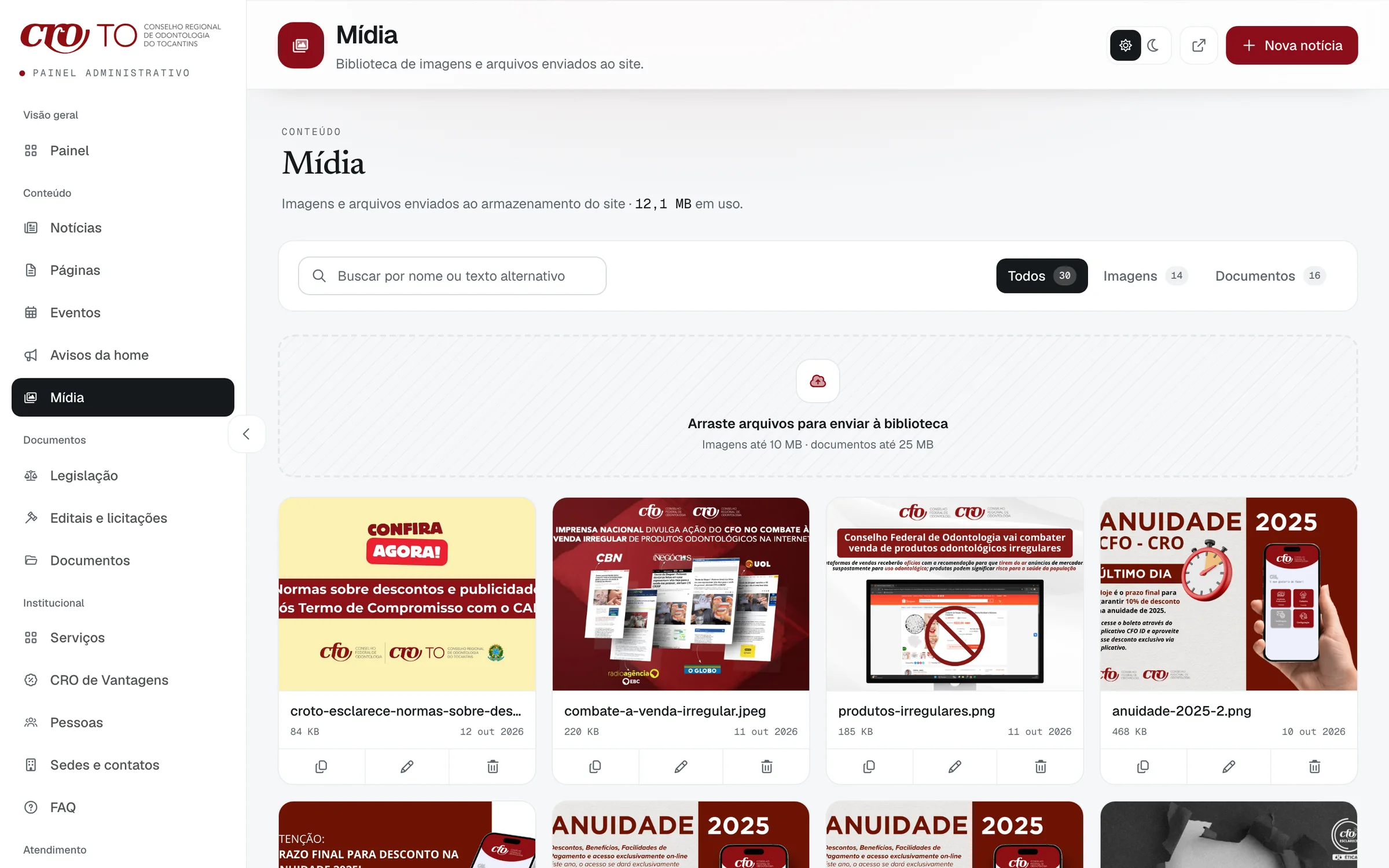
One media library
Every image and file goes through one library, with search, type filters and drag-and-drop uploads.
- 01 / 03
Write
Title, a summary with a character counter, the address and a cover from the media library, with status, date and category beside them.
- 02 / 03
Schedule
A post can stay a draft, go out now or wait for a date and time. This one is set for 25 October, the dentists’ day.
- 03 / 03
One media library
Every image and file goes through one library, with search, type filters and drag-and-drop uploads.
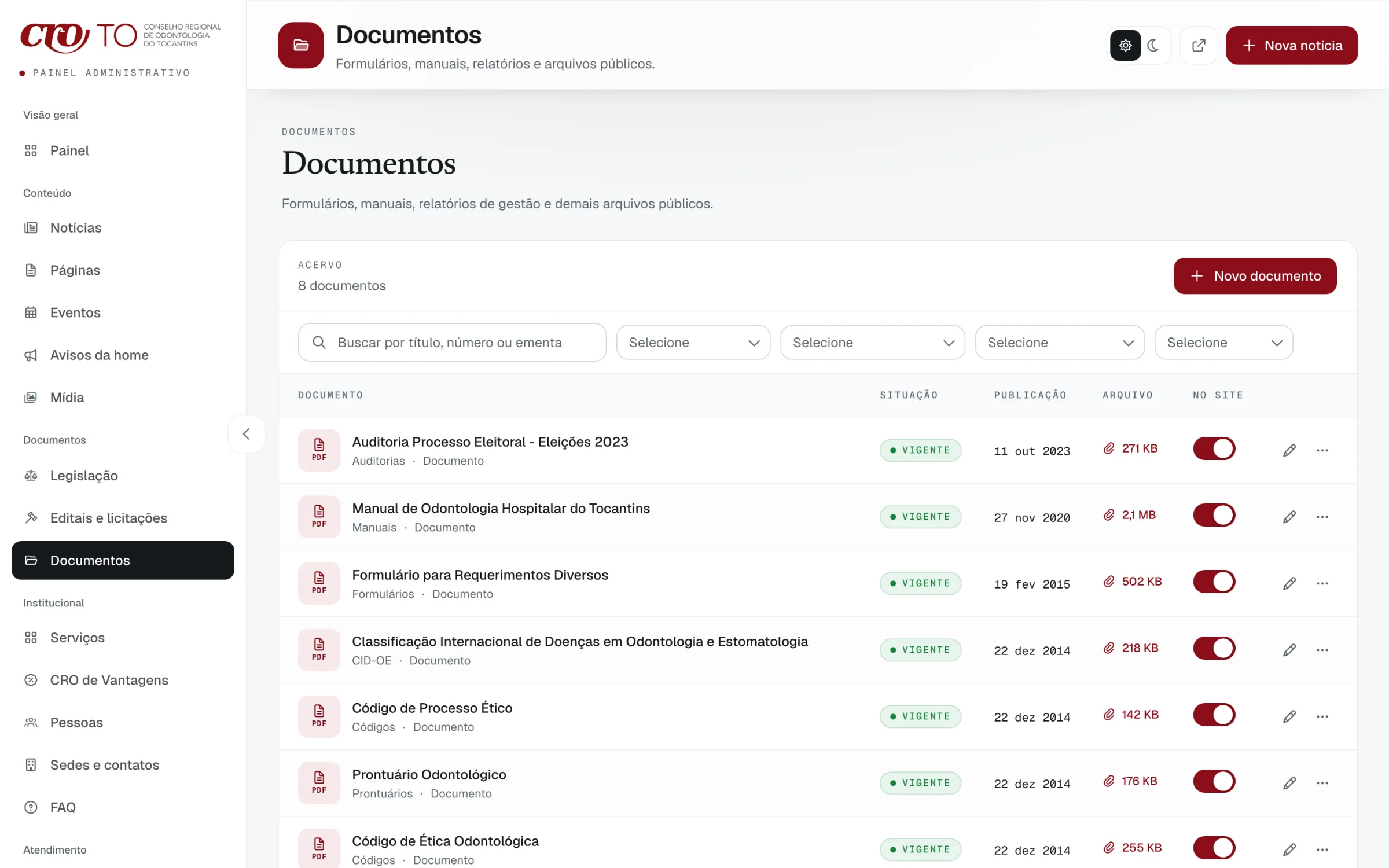
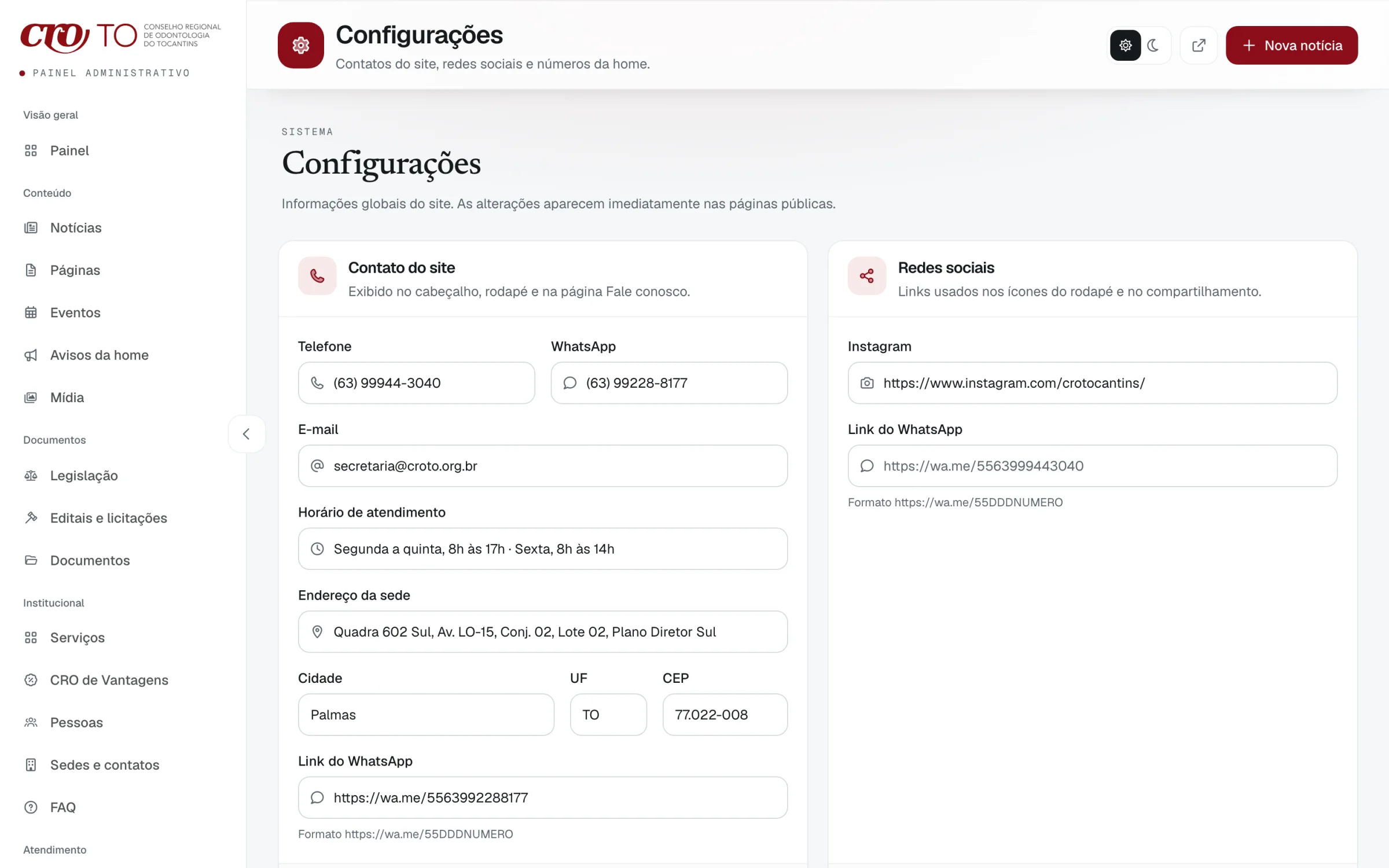
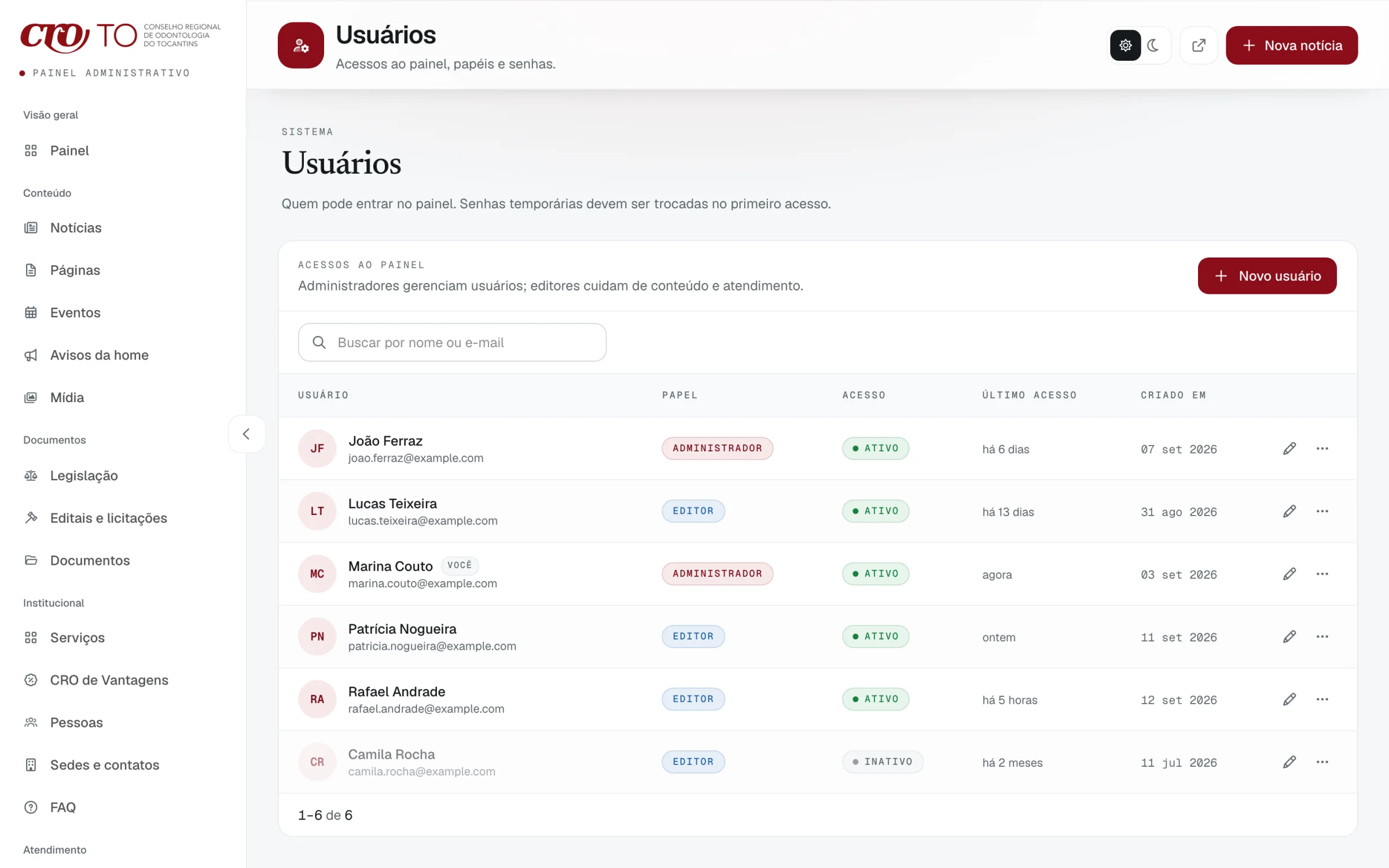
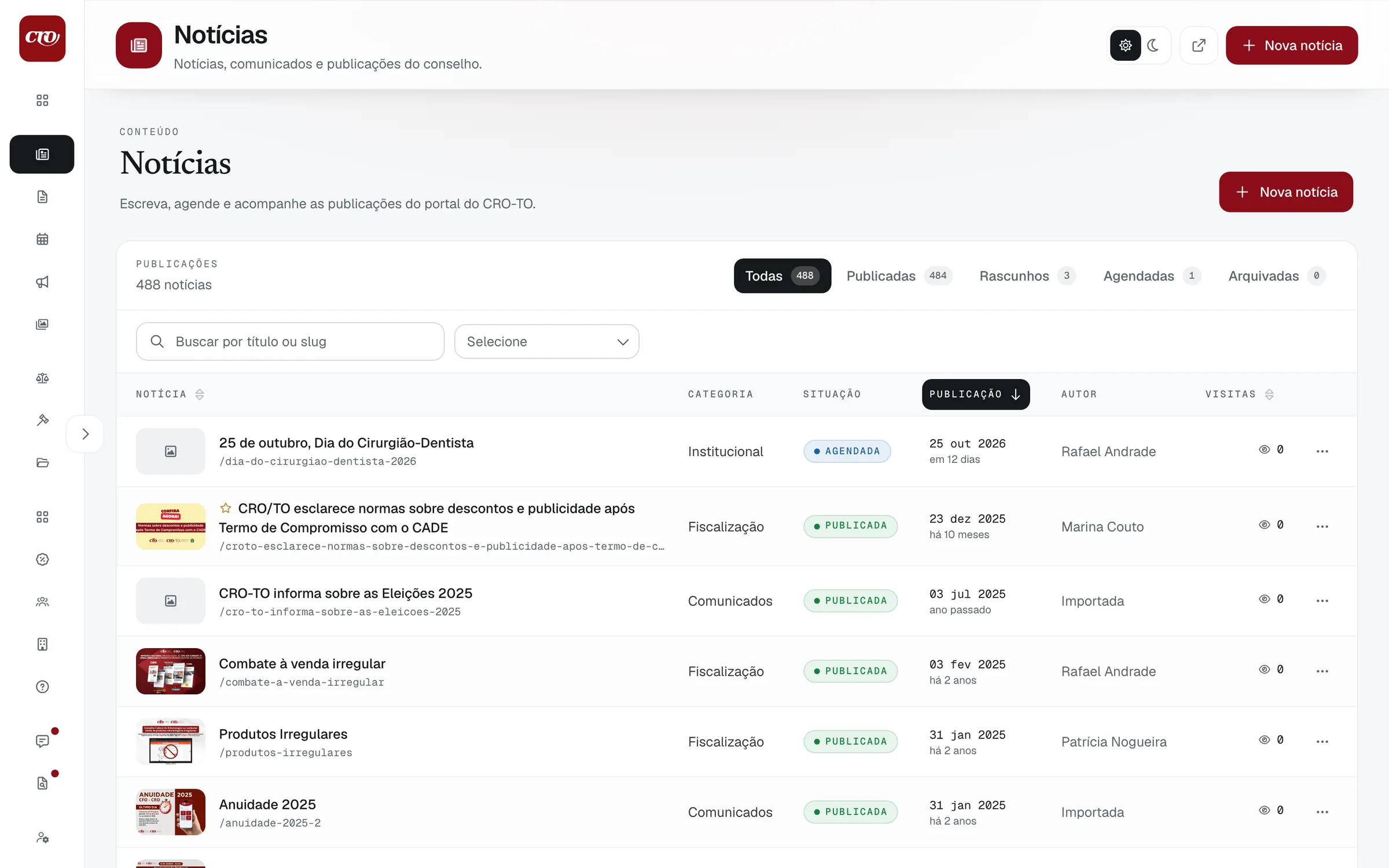
Documents
Forms, manuals and reports with status, file size and a switch for showing each one on the site.
04
Twelve years of archive, carried over
484news articles
From 15 October 2013 to 23 December 2025, by category.
- Institucional184
- Comunicados104
- Saúde Bucal90
- Eventos89
- Fiscalização17
469files re-hosted
84.3 MB moved off the old server, by what they belong to.
- News images382
- Partner logos28
- Legislation21
- Page files19
- Documents11
- People photos8
Counts from the live site’s news filters and sitemap, and from the importer’s file manifest. The 23 norms are in the legislation screens below.
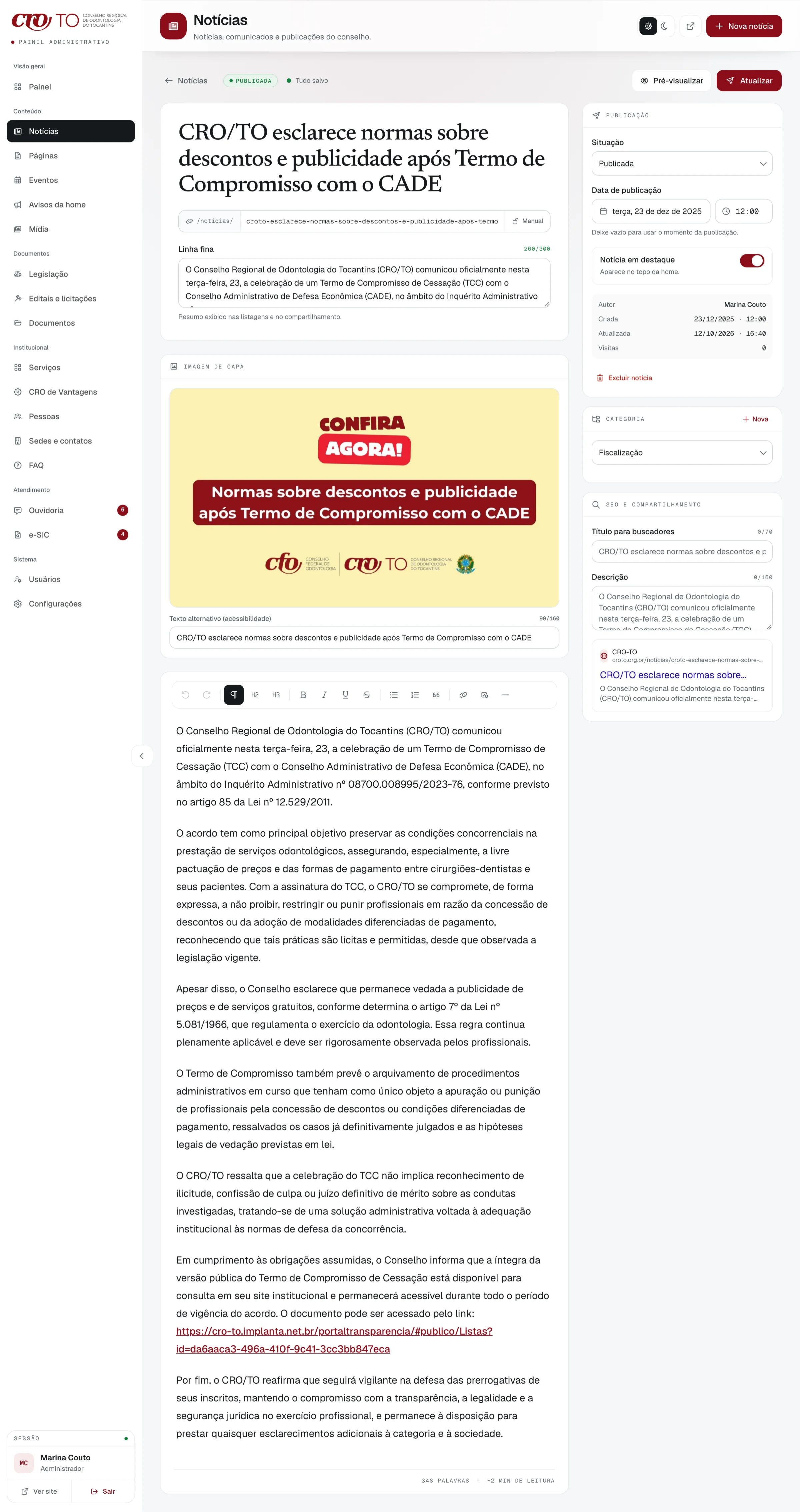
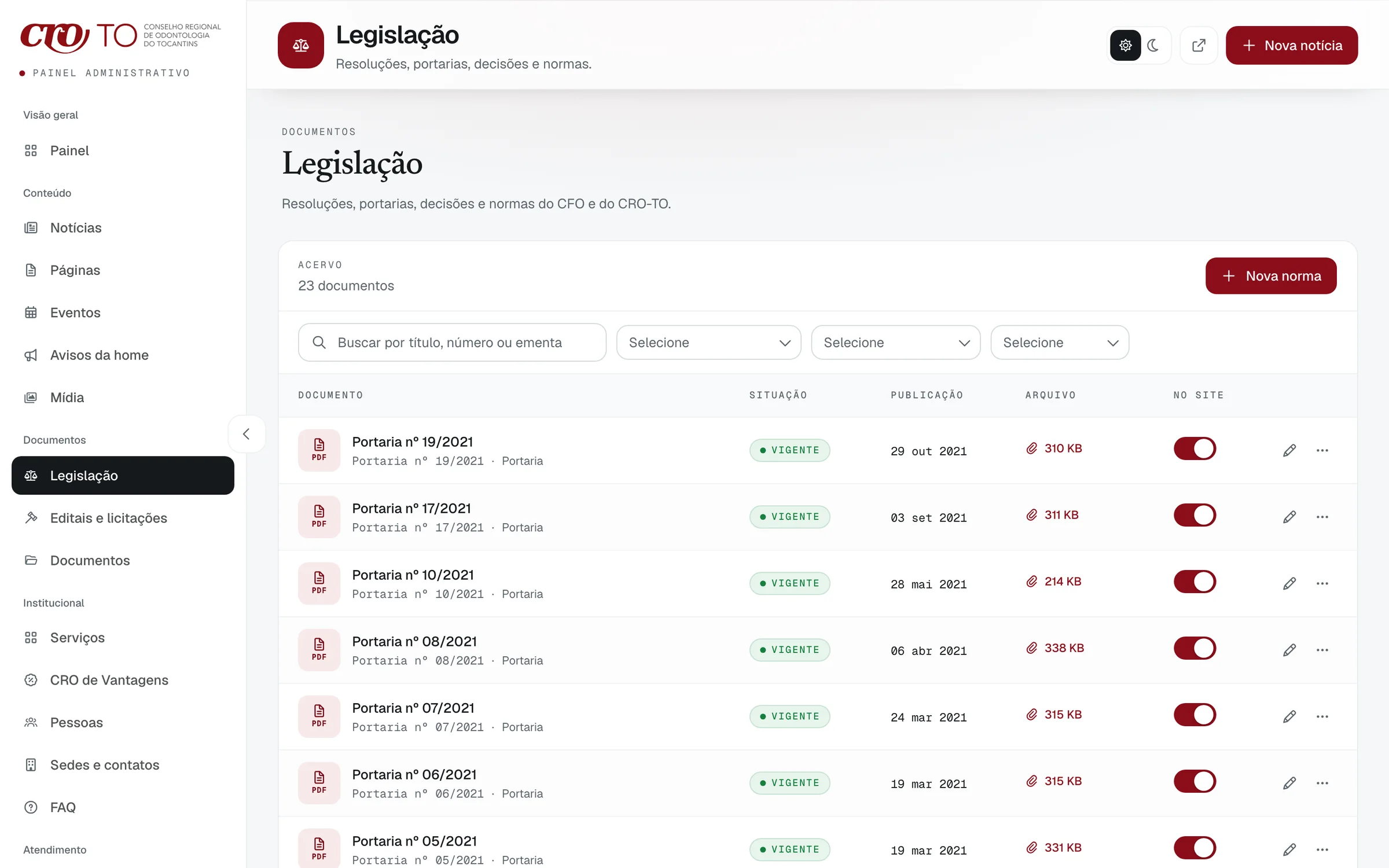
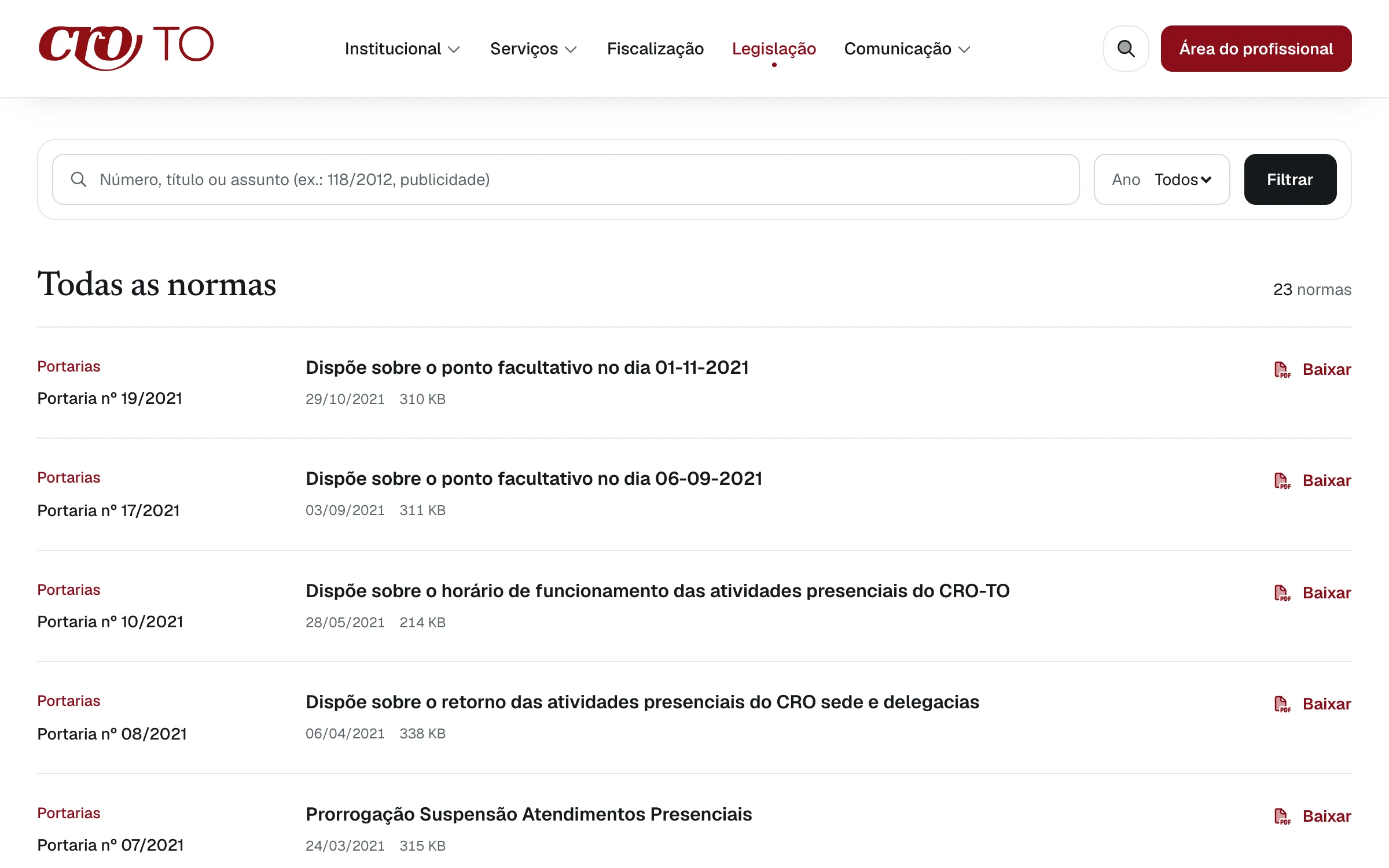
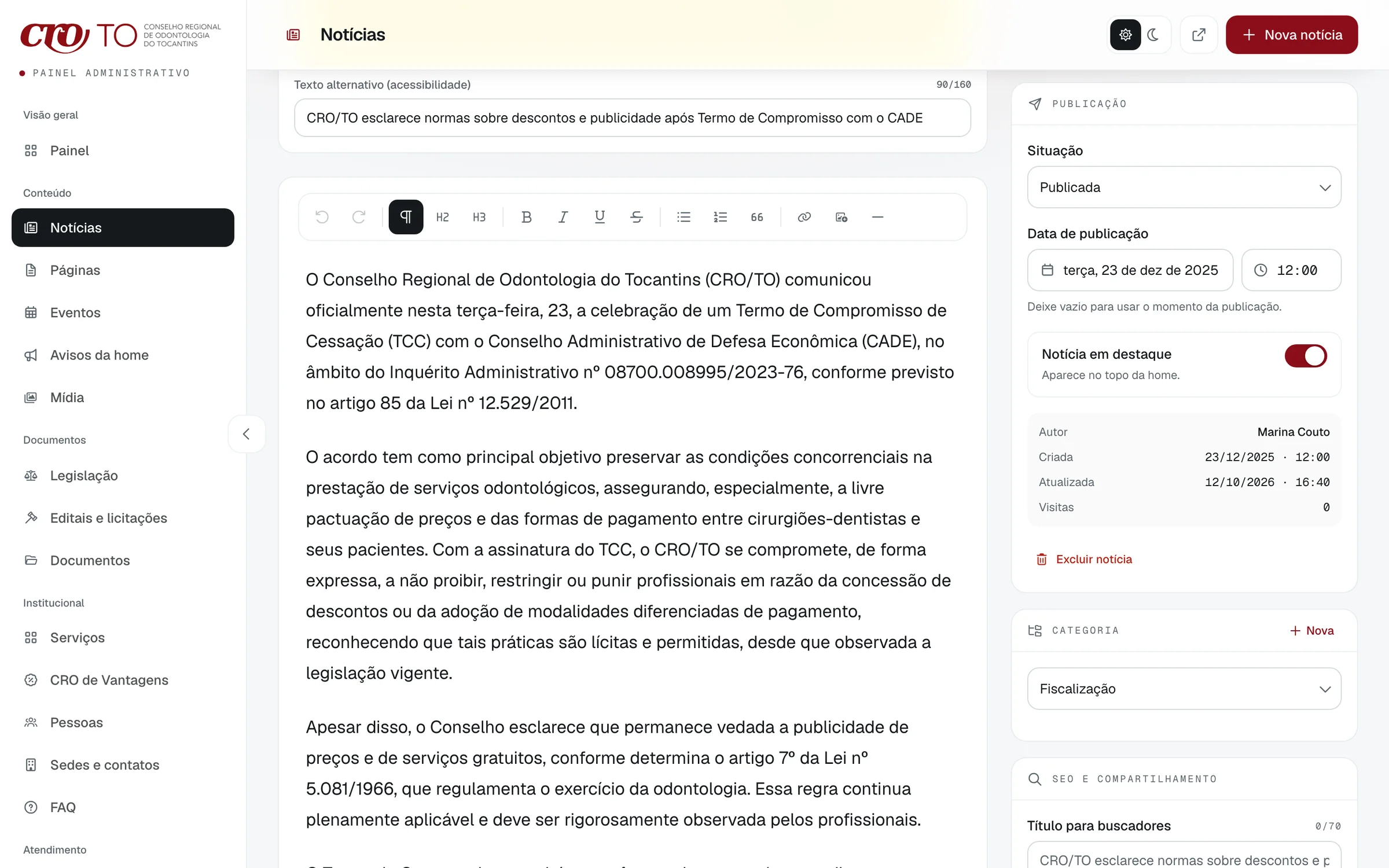
A migrated article in the editor
Cover, summary, text and search preview, all carried over into the same editor as a new post. Scroll inside the frame to read it all.
05
One calm brand, readable by everyone
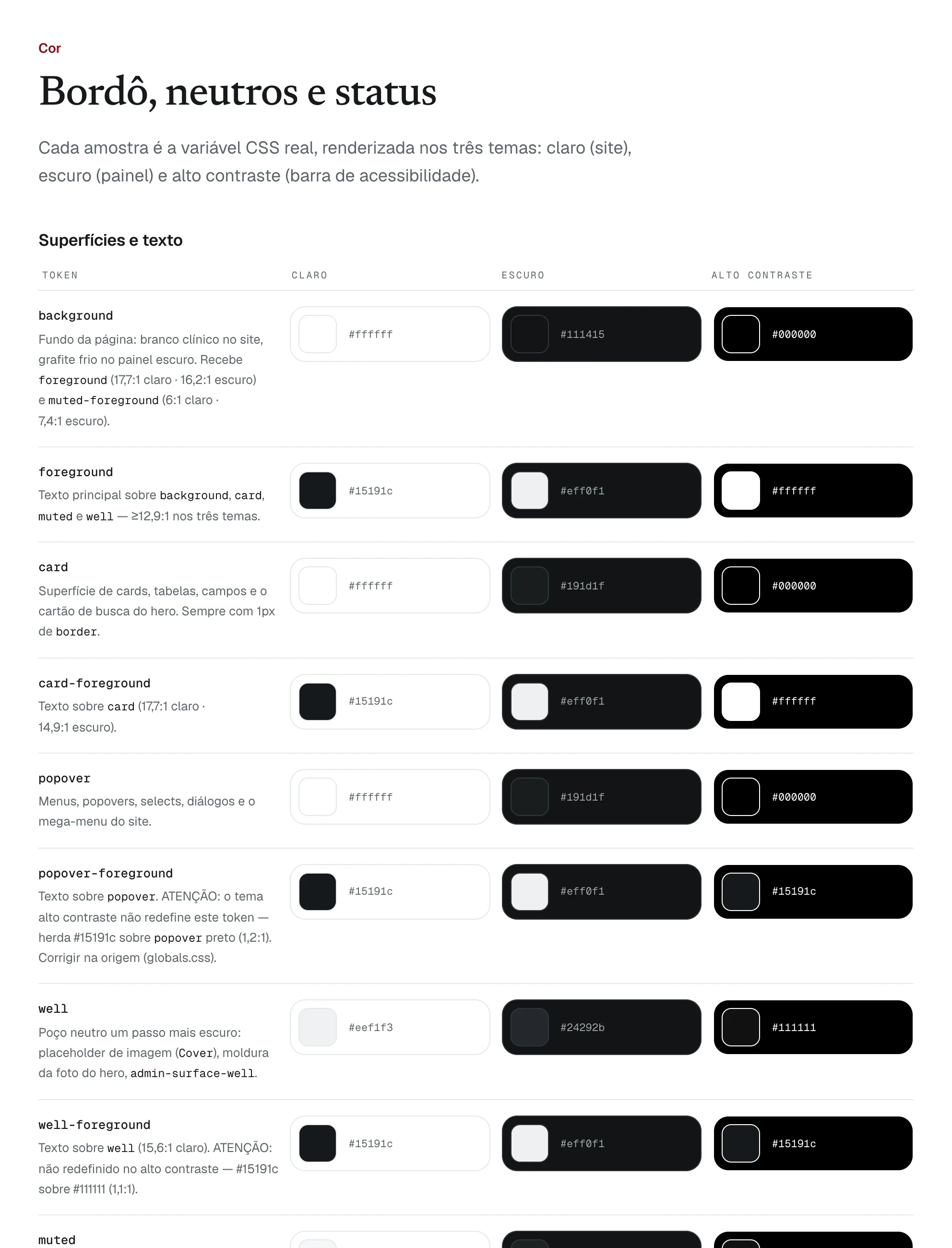
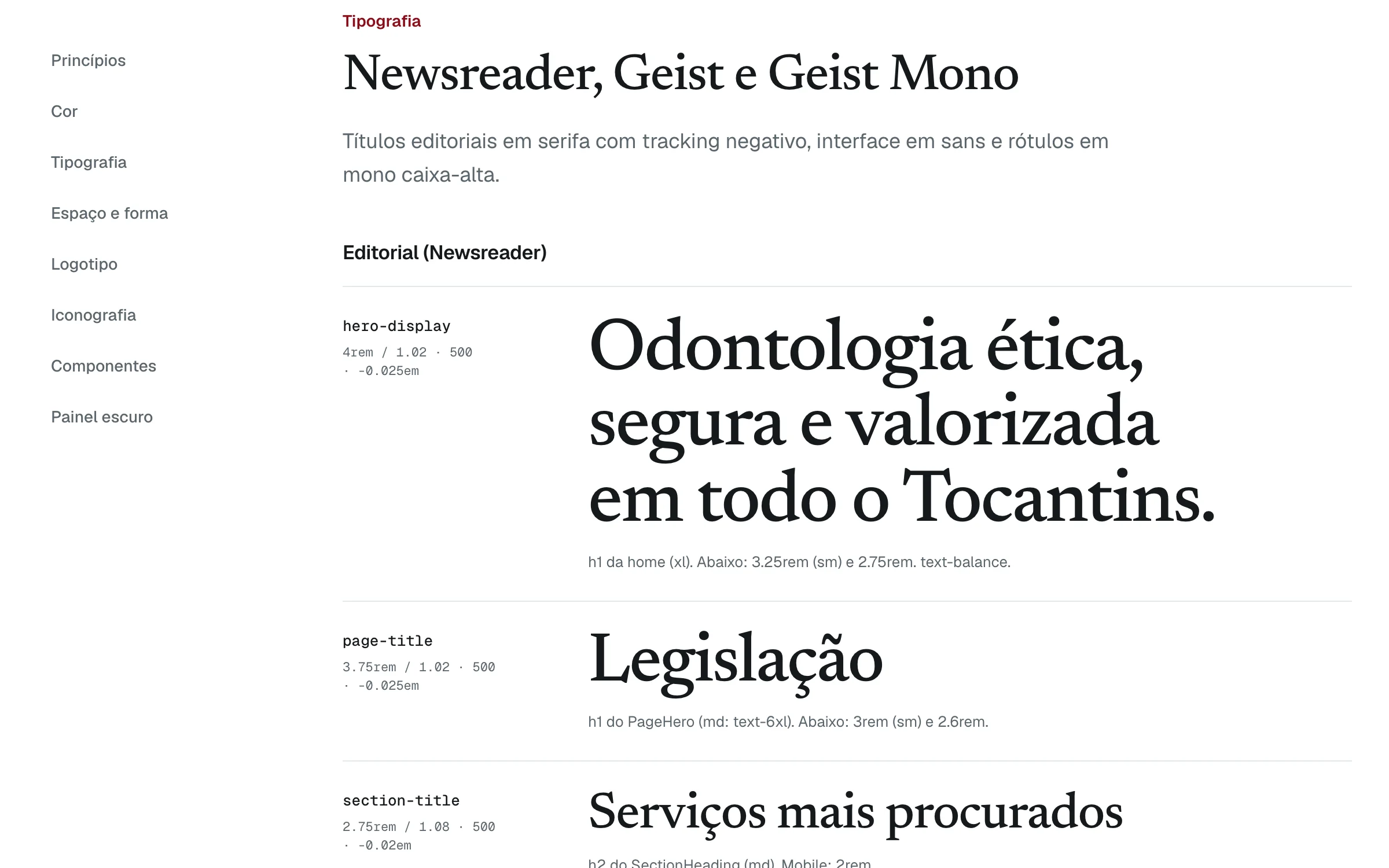
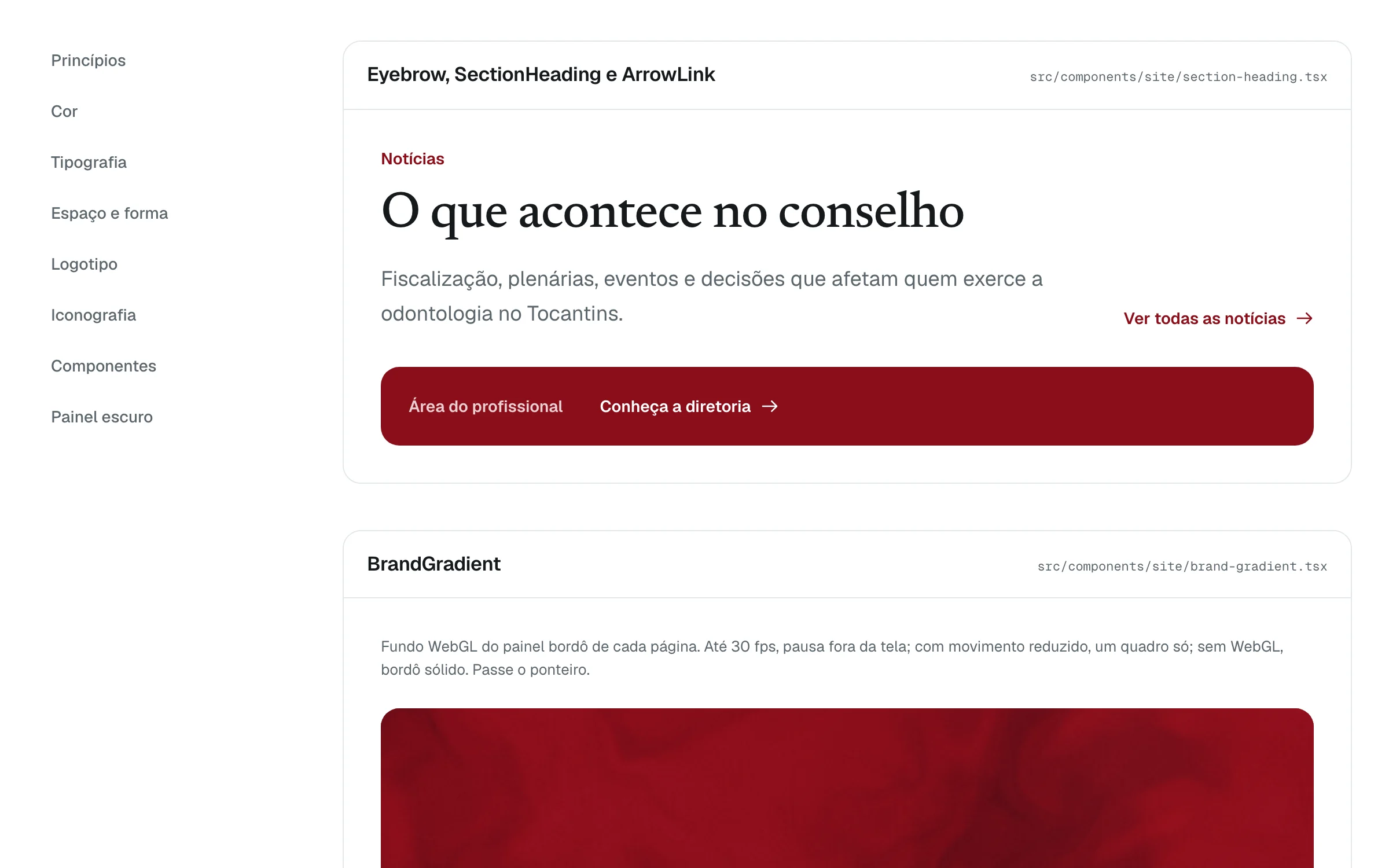
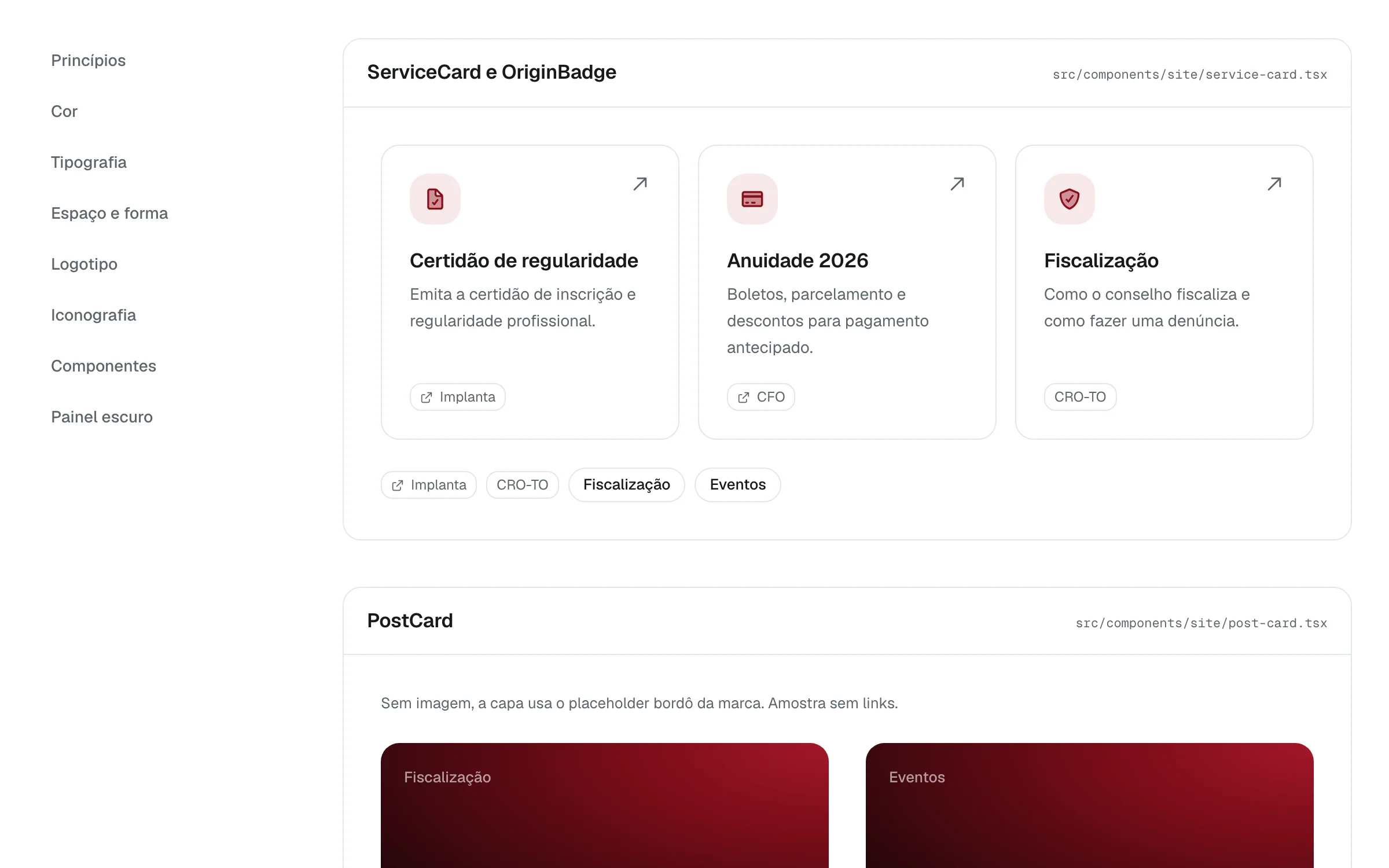
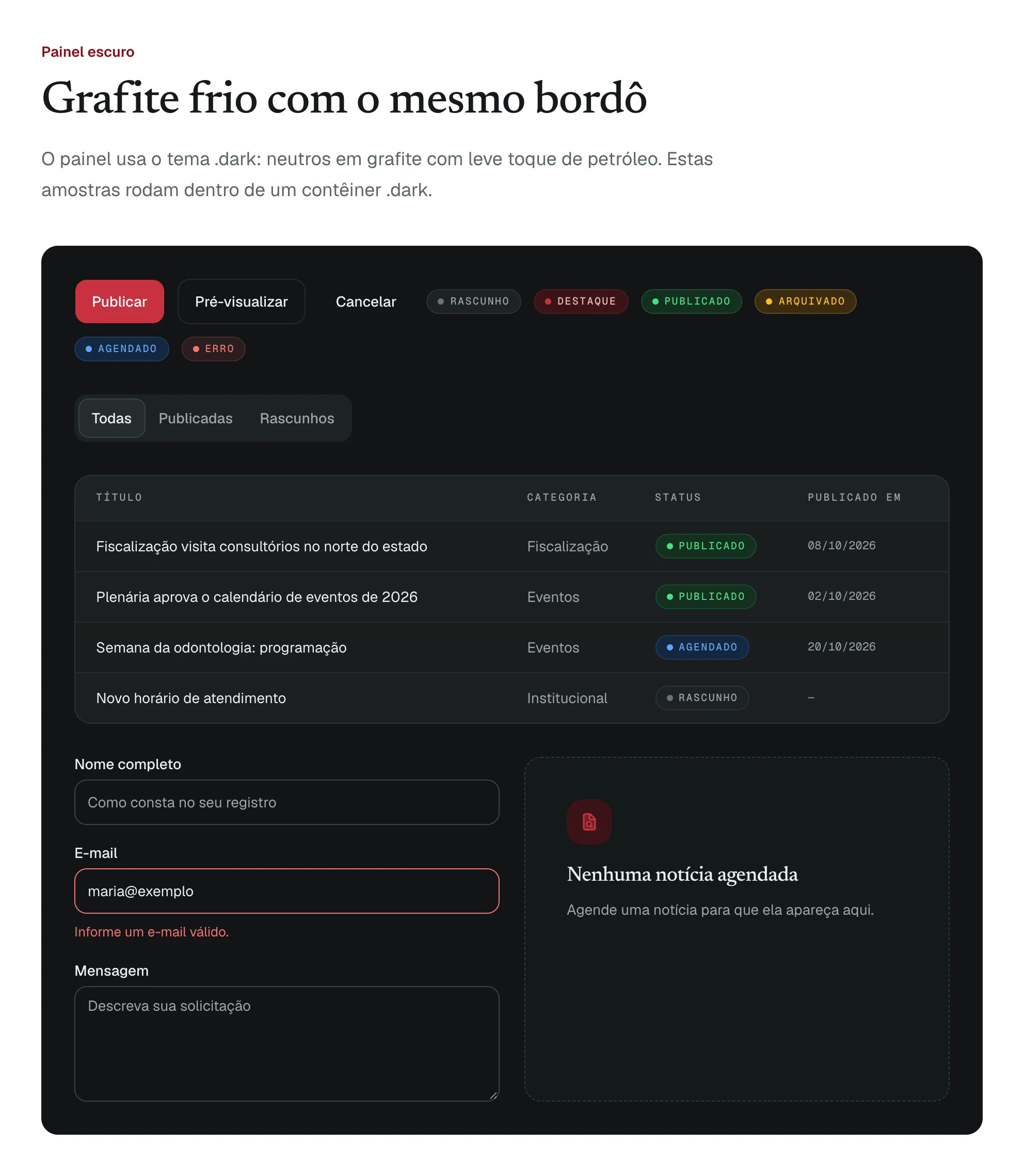
Principles first
The live design system page opens on the principles every screen follows.
- A high-contrast theme, text size controls and the official Libras sign-language widget, in a bar on every page.
- A skip link, one heading per page, visible focus and 44-pixel targets.
- One entrance animation on the home; everything else moves only when someone acts.
Outcomes & learnings
- A public site, an admin and a design system, live at cro-to.vercel.app with the system at /croto-design. The council’s own domain still runs the previous site.
- Twelve years of the council’s archive moved into a CMS built for its staff: 484 news articles, 23 norms and 469 files.
- Each complaint and information request gets a protocol for the citizen and a visible legal deadline for the staff.
- One design system for the public site and the admin: 99 tokens in three themes, with its known gaps listed on the page.
What I learned
Writing the principles down, and the known gaps with them, made each improvement easy to carry to every page.